Australian Shepherd desktop pet
Your Australian Shepherd, in 3D, on Your Mac
A merle coat, copper trim and eyes that are sometimes two different colours.

Ready-made pet
No photos to hand? Meet our Australian Shepherd
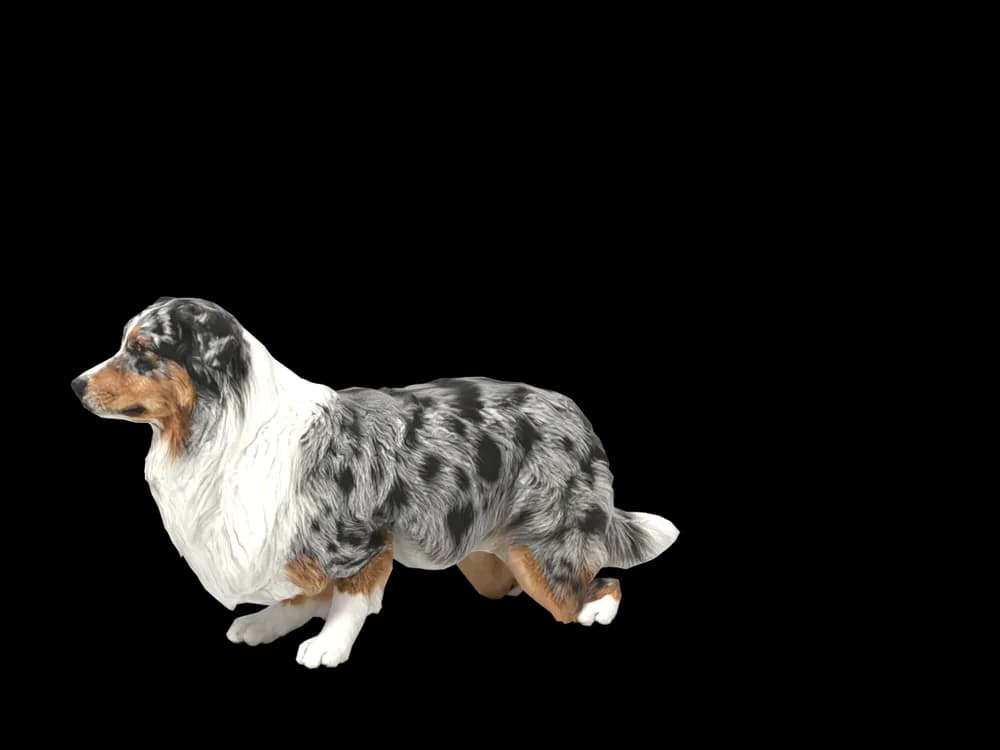
Ours is a blue merle Australian Shepherd, made by the same pipeline as every customer's pet. Choose it in the Mac app and it is on your desktop in seconds, free to try. Keep it for $19, once, give it any name you like, and it does everything a pet made from photos does.
These stills are rendered from its real 3D model, in the poses it uses on your desktop.
Walking
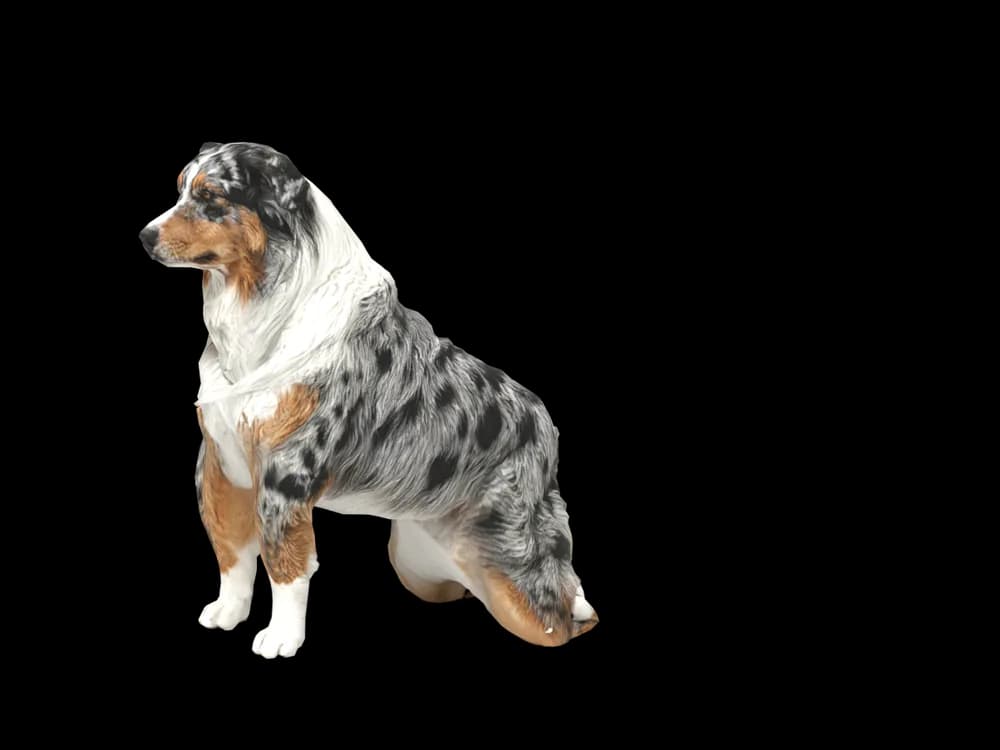
Sitting
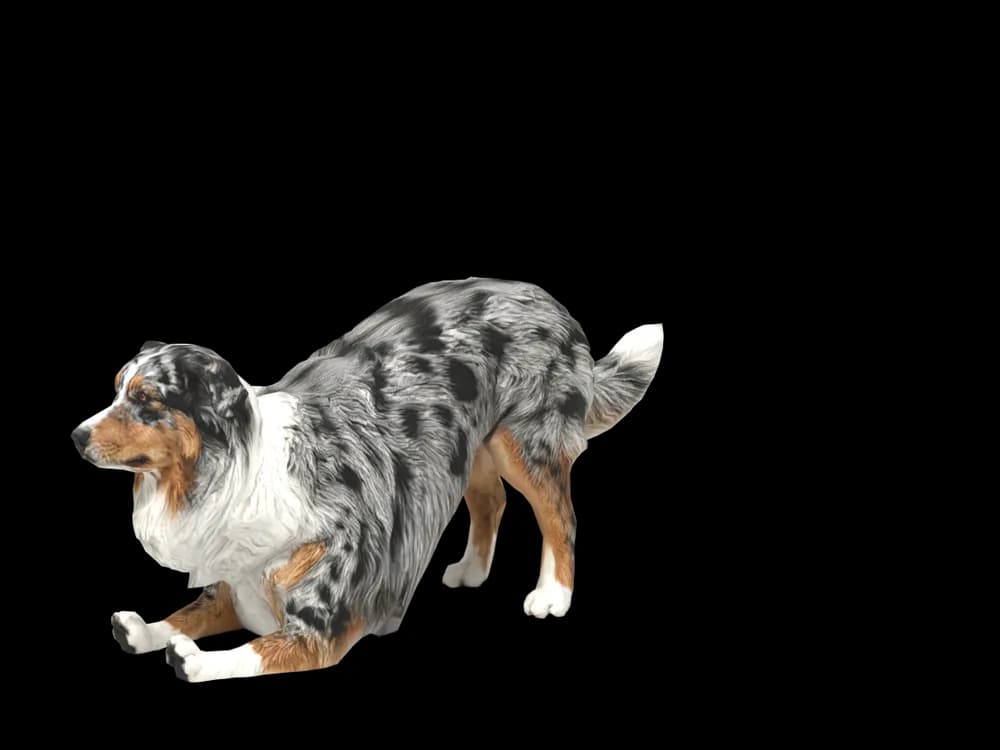
Stretching
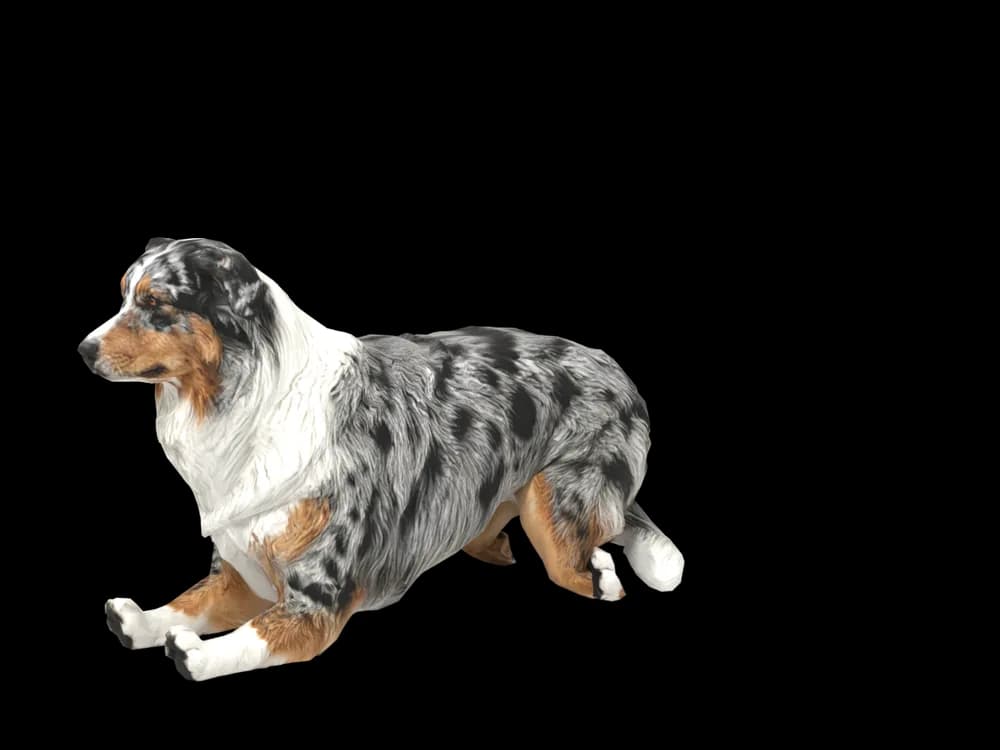
Lying down
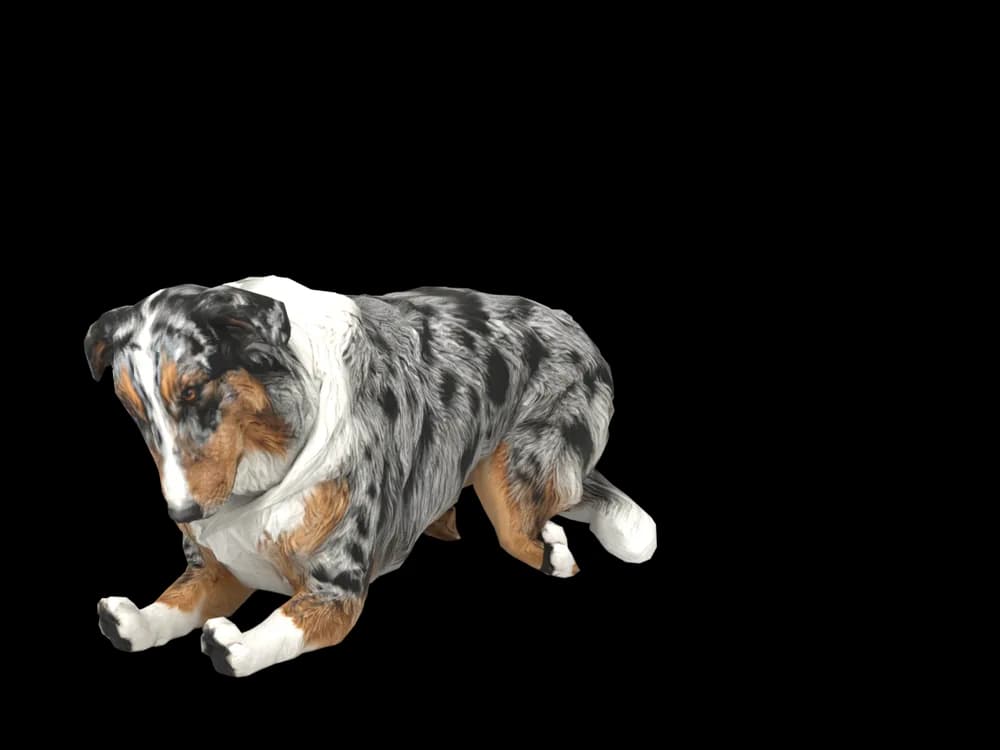
Sleeping
Looking around
In the app: Your pets, then Ready-made pets. Prefer your own dog? Add photos instead, the steps are below.
What makes a Australian Shepherd look like yours
Australian Shepherds are among the most colourful dogs there are. Blue merle, red merle, black or red tri, each with copper points and white trim, and often eyes of two different colours. No two Aussies are marked the same.
That is exactly why an Aussie made from your own photos looks like yours and not a breed picture: the merle pattern, the white blaze and the copper eyebrows come from your dog. If you want a pet right now, our ready-made blue merle Aussie is ready to go.
Made for Australian Shepherd markings
The merle pattern
Blue or red merle patches are taken from your photos. Daylight shows the marbling best.
Copper points
Tan on the eyebrows, cheeks and legs. Small, but part of the face.
White collar and blaze
A white chest, collar or face blaze, placed where your dog has it.
The mane and feathering
A thicker ruff around the neck and feathering on the legs and back of the thighs.
Bob tail or full tail
Some Aussies have a natural bob tail, others a full one. Yours keeps what they have.
The best photos of your Australian Shepherd
Use daylight or open shade for an Aussie: merle turns flat under a lamp and the copper disappears in deep shade. A side photo standing shows the pattern along the body; a face photo straight on shows the blaze, the copper eyebrows and the eyes. If your dog has two different eye colours, make sure the face photo is sharp enough to see both.
More on which photos work, for any cat or dog: how a custom desktop pet is made.
More breeds
Related breed guides: Border Collie, German Shepherd and Golden Retriever. For what your pet does all day, see the desktop pet for Mac.
How it works
Step 1
Add photos
In the Mac app, add a few photos of your cat or dog. A side view and a face are enough to start.
Step 2
See them in 3D, free
In under ten minutes you can turn them around and compare them with your photos. Nothing to pay yet.
Step 3
They move in
Keep them for a one-time price and they live on your desktop: walking the Dock, napping on your windows.
Pricing
Free
See your own pet in 3D before you pay anything.
$19 once
Keep them. No subscription. Up to 3 of your Macs, 2 free regenerations, every behaviour we add later.
14-day money back
If it doesn't look like your pet, you get your money back. No questions asked.
Another pet is $9. All pricing
Questions
Does it work for Australian Shepherd mixes?
Aussiedoodles, Border Aussies and other crosses are built from their own photos.
What if my Australian Shepherd has unusual markings?
A split face, a merle patch on one eye or extra white are all taken from your pictures.
Will my Aussie's exact merle pattern be copied?
The pattern comes from your photos, so a sharp side view taken outdoors matters most.
What about two different eye colours?
Heterochromia is read from the face photo. Get close enough that both eyes are in focus.
Are Mini Aussies too small to work?
Size makes no difference: Minis and Toys are made the same way and scaled to their real size.
Meet them in 3D
Download the Mac app, add a few photos, and see your pet in 3D before you pay anything.
See your pet in 3D free