German Shepherd desktop pet
Your German Shepherd, in 3D, on Your Mac
The black saddle, the tan legs and those tall ears always listening.
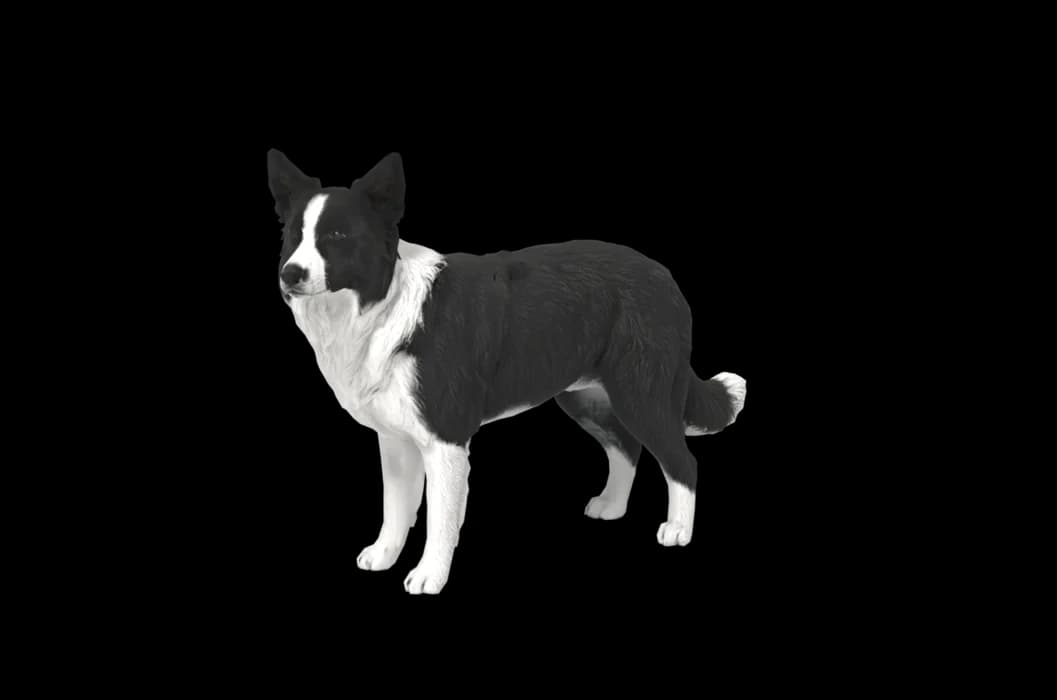
Ready-made pet
No photos to hand? Meet our German Shepherd
Ours is a black and tan German Shepherd, made by the same pipeline as every customer's pet. Choose it in the Mac app and it is on your desktop in seconds, free to try. Keep it for $19, once, give it any name you like, and it does everything a pet made from photos does.
These stills are rendered from its real 3D model, in the poses it uses on your desktop.
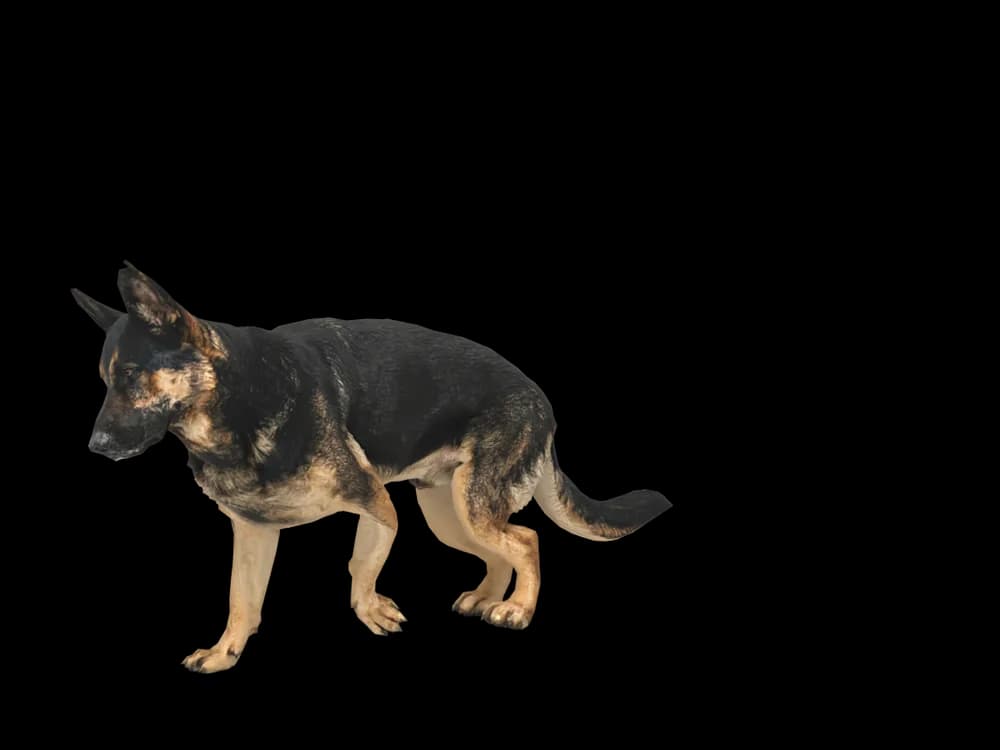
Walking
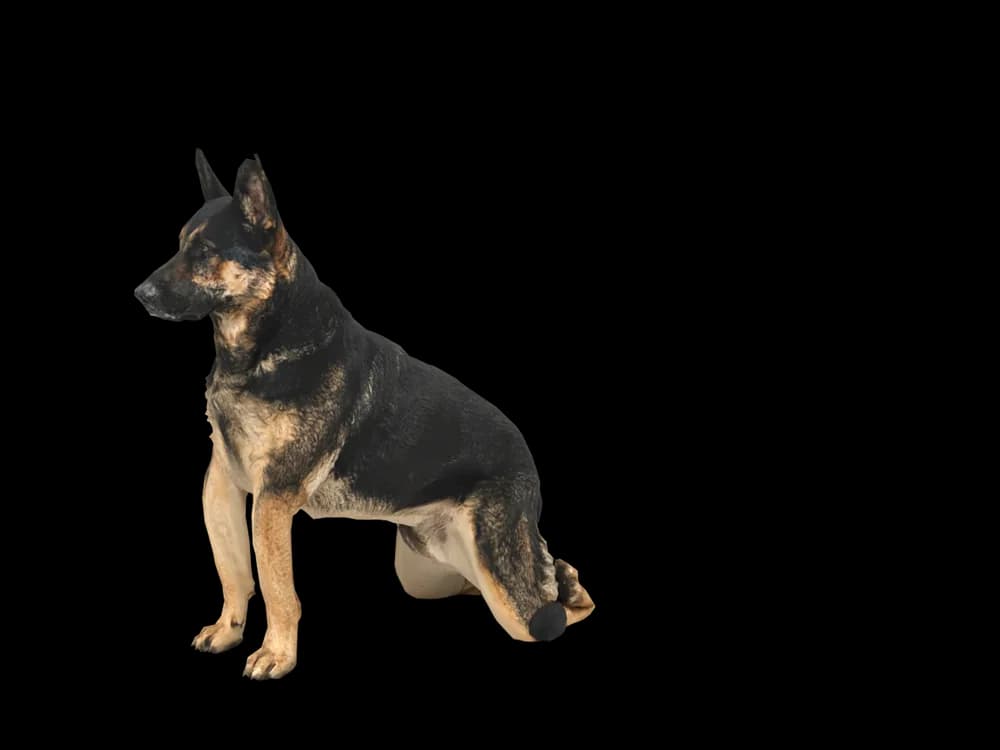
Sitting
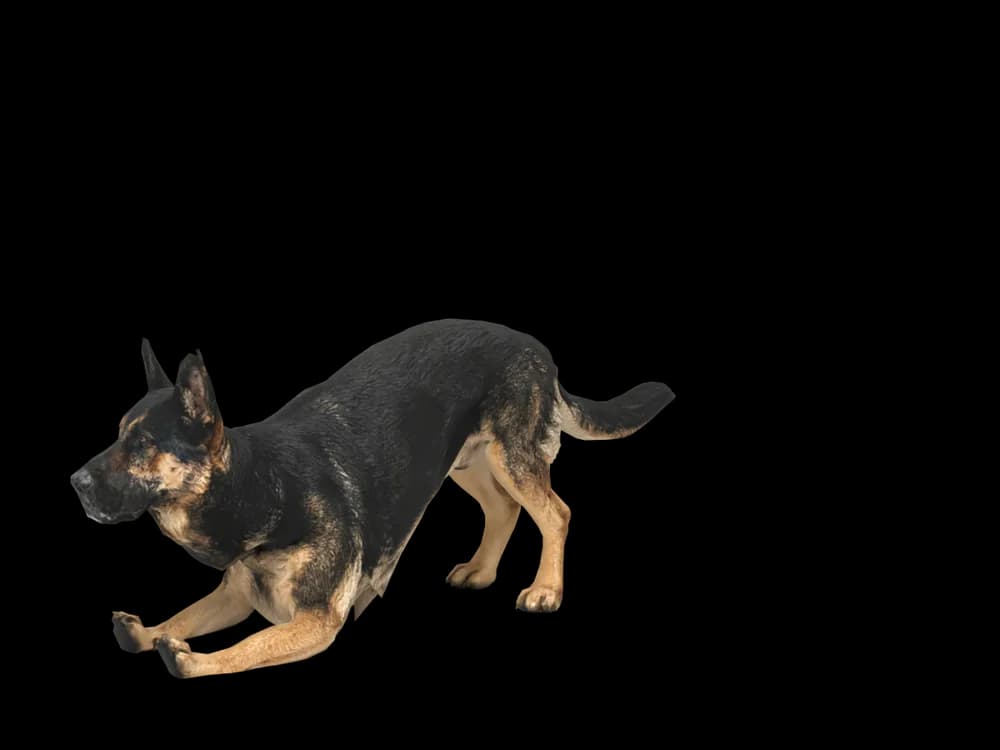
Stretching
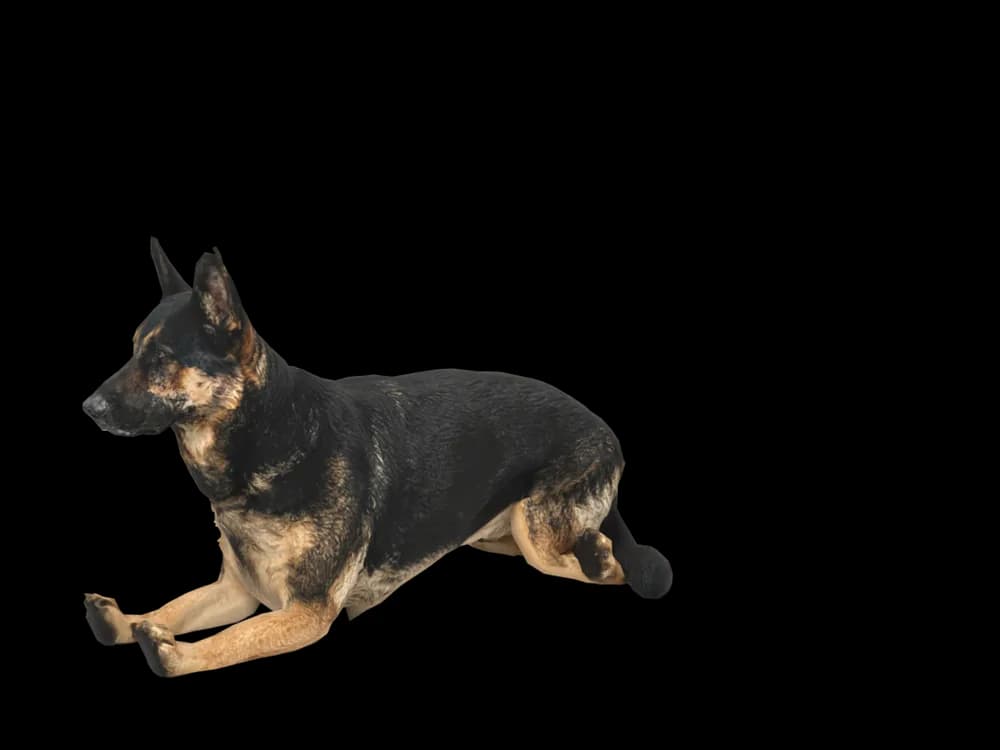
Lying down
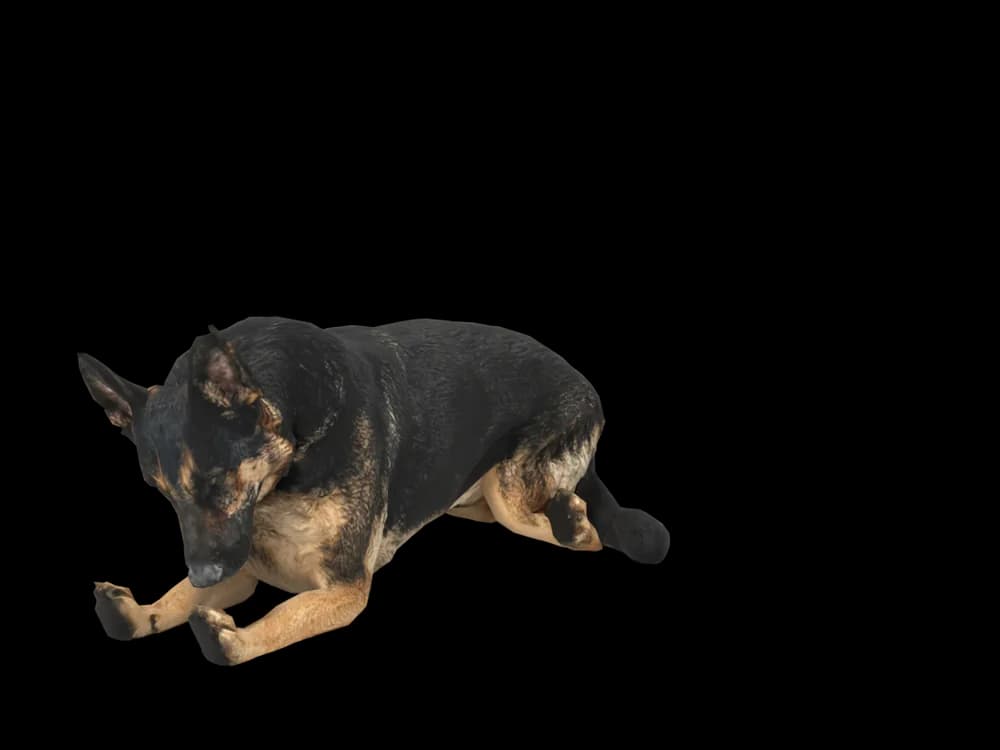
Sleeping
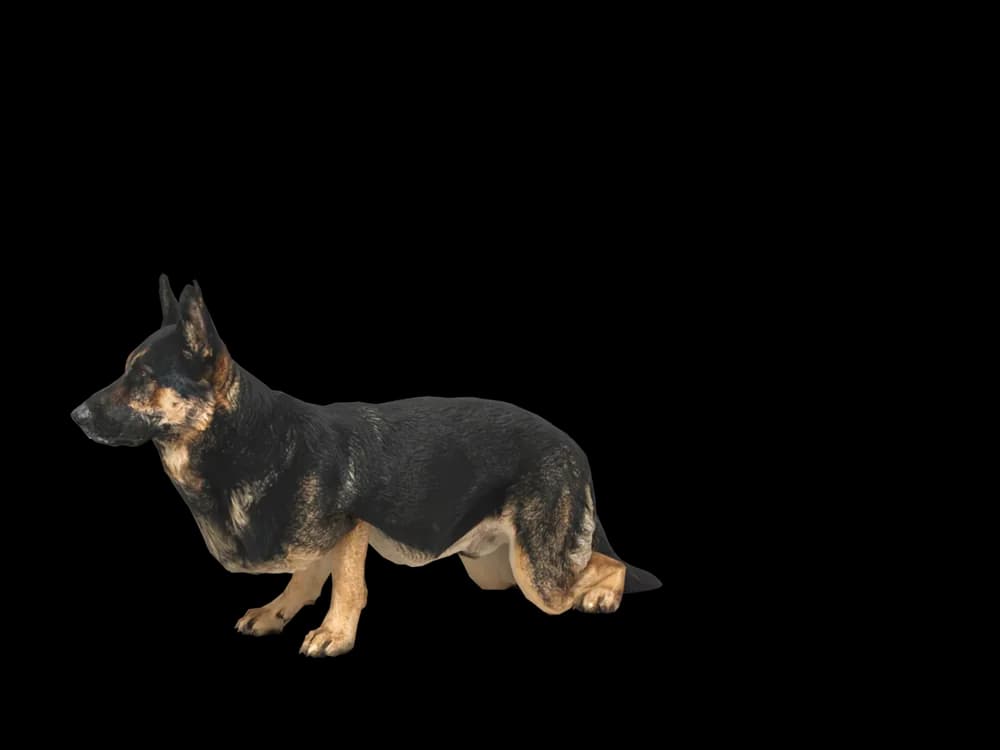
Looking around
In the app: Your pets, then Ready-made pets. Prefer your own dog? Add photos instead, the steps are below.
What makes a German Shepherd look like yours
German shepherds are known for a look: a black saddle over a tan or red body, a dark mask and tall ears that stand straight up. But the saddle can be a full blanket or a small patch, the tan can be cream or deep red, and sable shepherds have no saddle at all.
Solid black and all-white shepherds exist too. Whatever pattern yours has, it is taken from your photos rather than from a stock shepherd.
Made for German Shepherd markings
Saddle or sable
Blanket back, saddle or sable agouti coat, with the dark areas placed from your pictures.
Tall, pricked ears
Big ears set high on the head, upright and tilted slightly forward. A straight-on face photo shows their size.
The dark mask
Most shepherds have a dark muzzle and eye area; some have almost none. Yours comes from the photos.
Long coat or stock coat
Long-coated shepherds have tufted ears and fuller trousers and tail, and coat length is read from your photos as well.
The best photos of your German Shepherd
A shepherd standing side-on is the classic photo for a reason: it shows the saddle, the slope of the back and the tail in one frame. Take it outdoors in even light, with the camera at chest height. Then a front-on face photo where the ears are fully up. If your dog is sable, add a picture in brighter light so the banding on each hair shows. Solid black shepherds need light coming from the side to show their shape.
More on which photos work, for any cat or dog: how a custom desktop pet is made.
A sample render
Related breed guides: Siberian Husky, Border Collie and Labrador Retriever. For what your pet does all day, see the desktop pet for Mac.
How it works
Step 1
Add photos
In the Mac app, add a few photos of your cat or dog. A side view and a face are enough to start.
Step 2
See them in 3D, free
In under ten minutes you can turn them around and compare them with your photos. Nothing to pay yet.
Step 3
They move in
Keep them for a one-time price and they live on your desktop: walking the Dock, napping on your windows.
Pricing
Free
See your own pet in 3D before you pay anything.
$19 once
Keep them. No subscription. Up to 3 of your Macs, 2 free regenerations, every behaviour we add later.
14-day money back
If it doesn't look like your pet, you get your money back. No questions asked.
Another pet is $9. All pricing
Questions
Does it work for German shepherd mixes?
Yes, shepherd and husky, shepherd and Lab, and all the rescue mixes that look half shepherd work, because every model starts from its own photos.
What if my German shepherd has unusual markings?
A white chest, a blue or liver coat, a broken-up saddle or a mask that stops short is taken from your photos. Show it clearly and check it in the free preview.
Is an all-white German shepherd possible?
Certainly. Shoot a white dog in open shade so the shape shows, and include one picture against a darker background if you can.
My shepherd's ears never fully stood up. Will the model tidy them?
It should keep the ears your photos show, soft tips included. If it straightens them by mistake, use a free regeneration.
Meet them in 3D
Download the Mac app, add a few photos, and see your pet in 3D before you pay anything.
See your pet in 3D free