Labrador Retriever desktop pet
Your Labrador Retriever, in 3D, on Your Mac
Black, yellow or chocolate, with an otter tail and that broad, kind head.
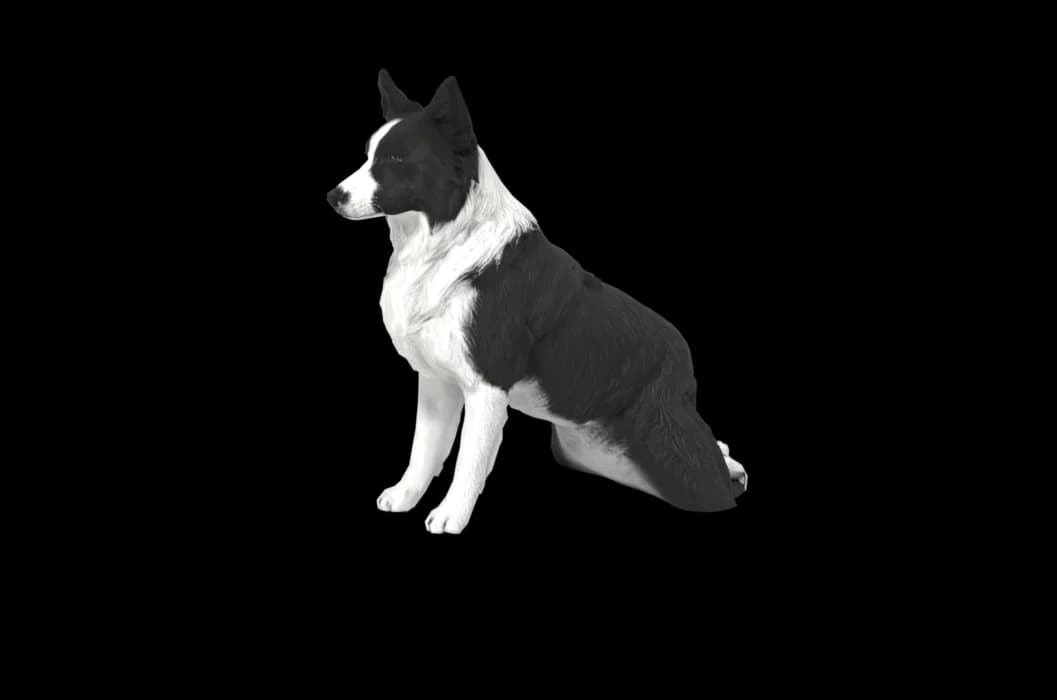
Ready-made pet
No photos to hand? Meet our Labrador
Ours is a yellow Labrador Retriever, made by the same pipeline as every customer's pet. Choose it in the Mac app and it is on your desktop in seconds, free to try. Keep it for $19, once, give it any name you like, and it does everything a pet made from photos does.
These stills are rendered from its real 3D model, in the poses it uses on your desktop.
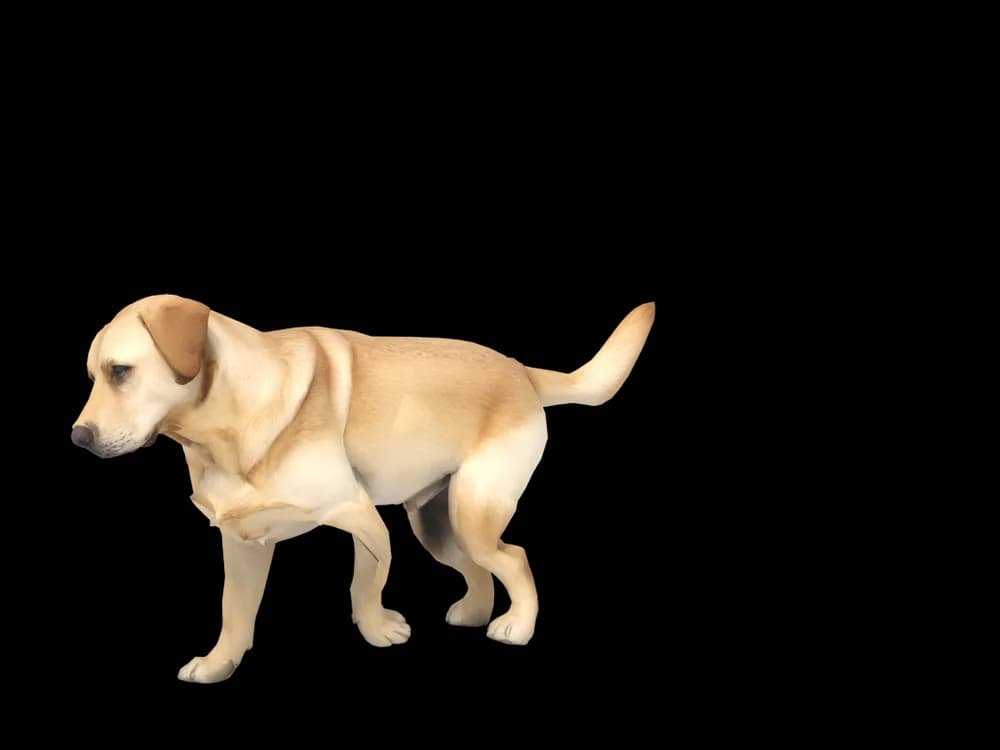
Walking
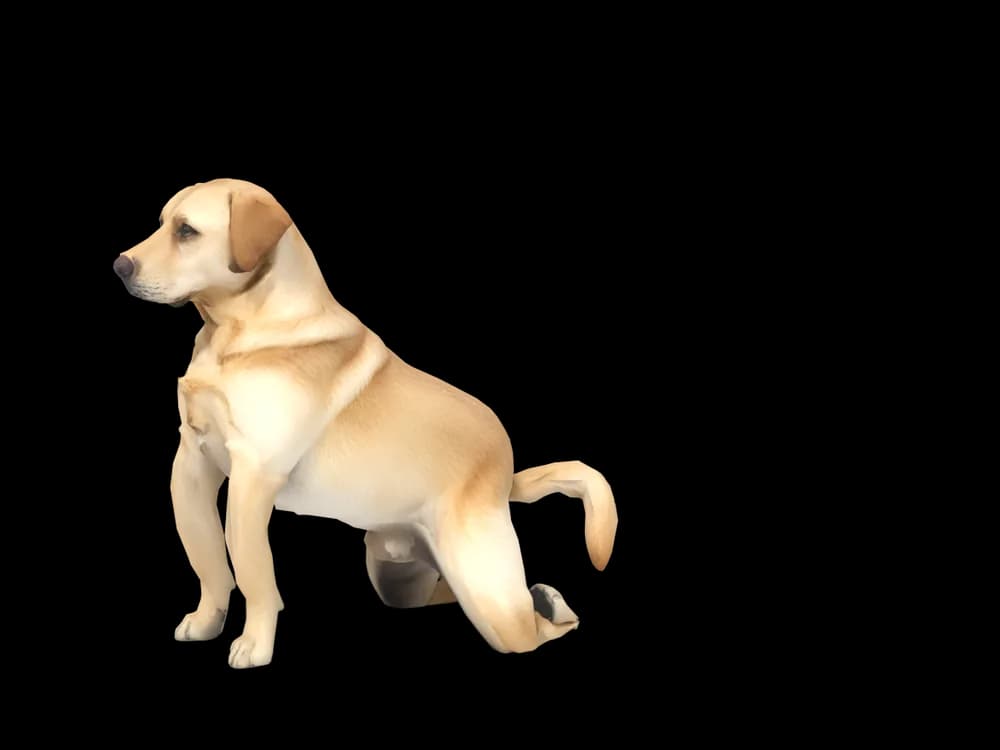
Sitting
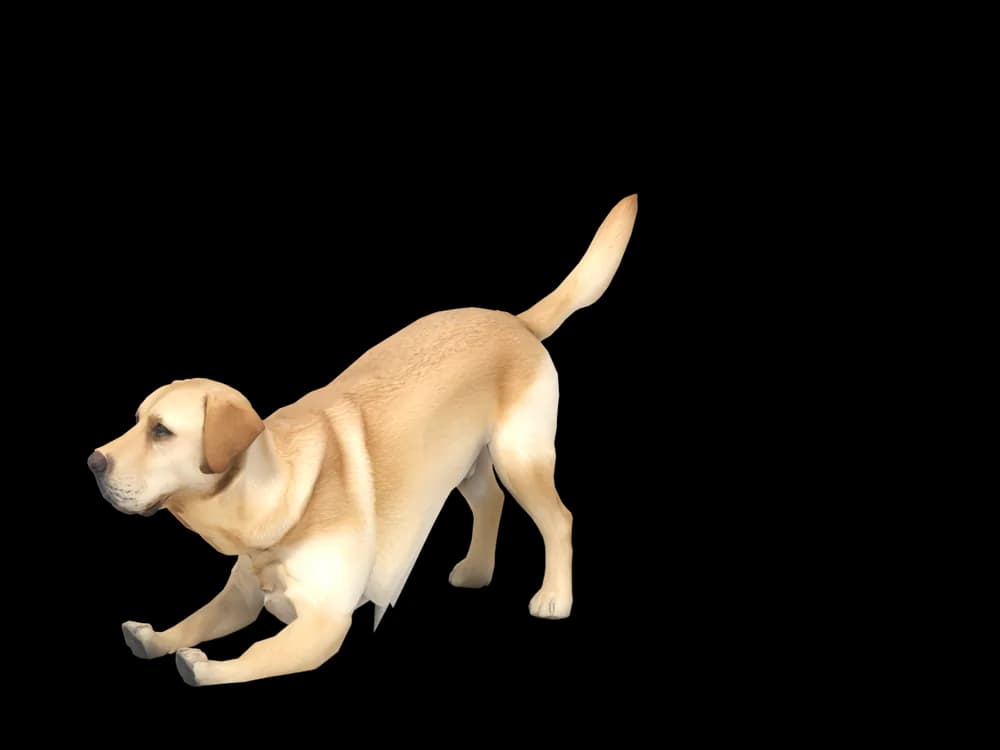
Stretching
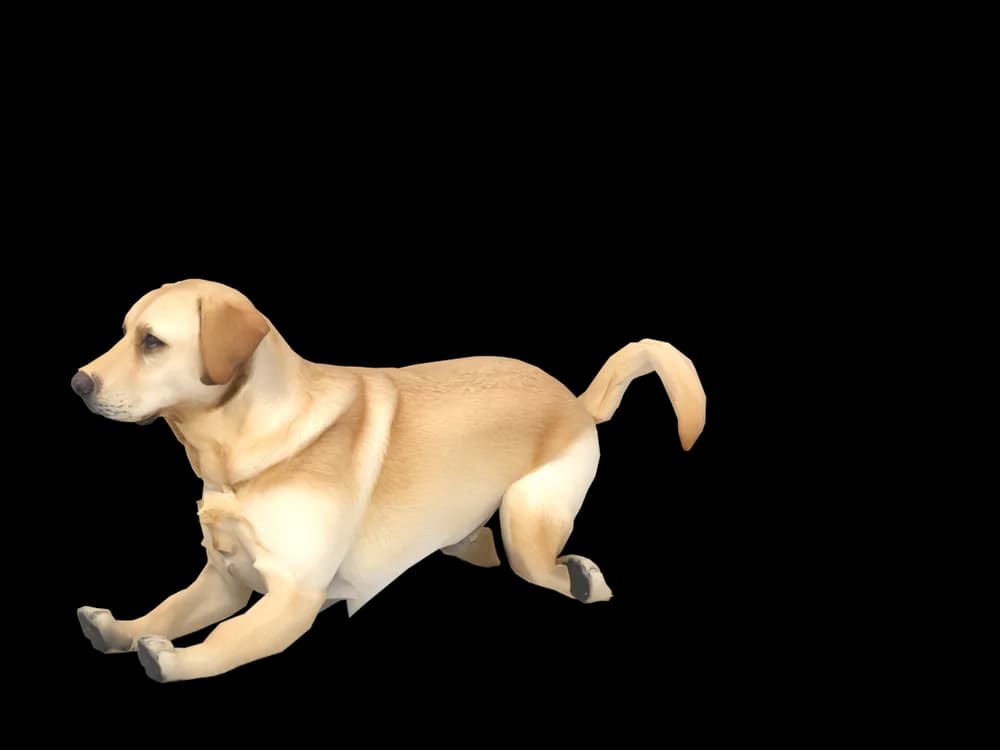
Lying down
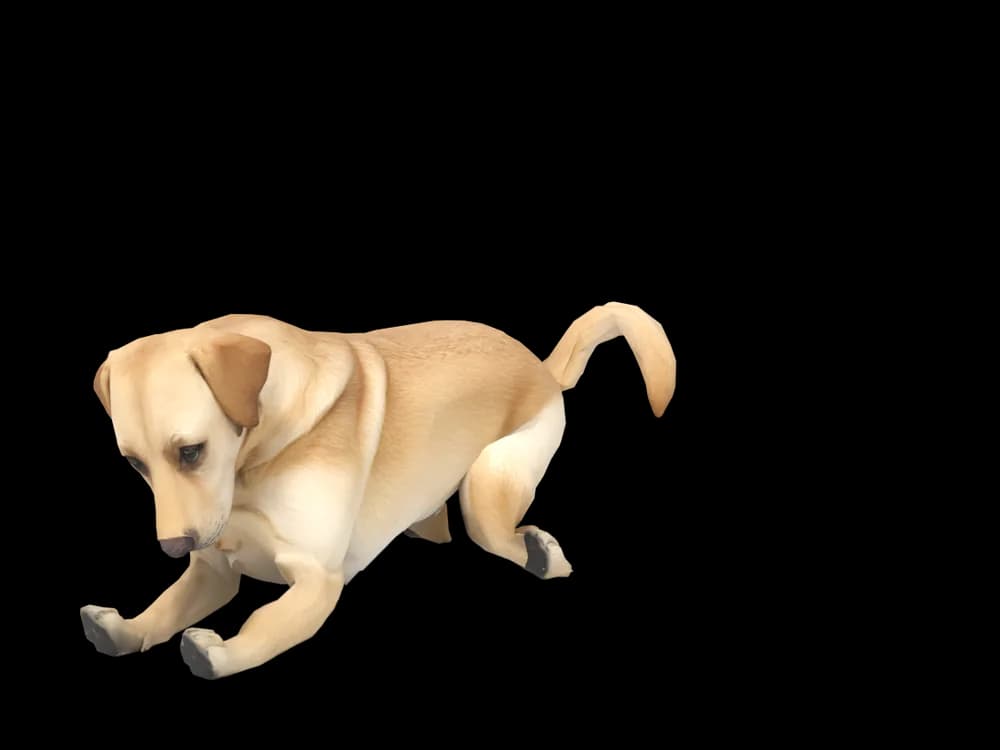
Sleeping
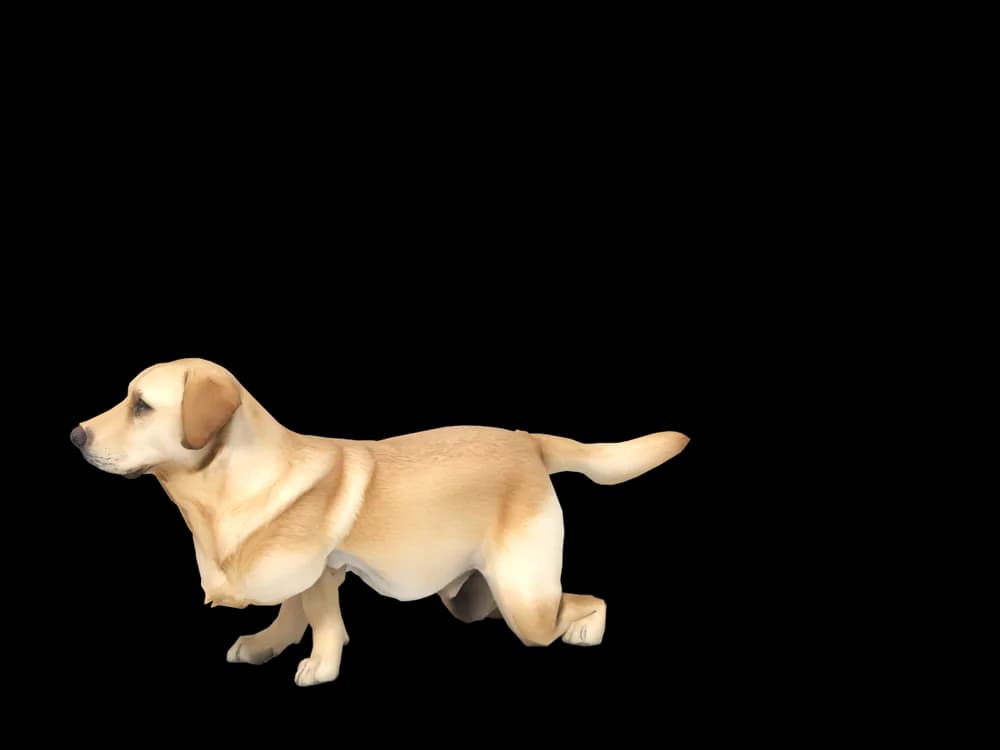
Looking around
In the app: Your pets, then Ready-made pets. Prefer your own dog? Add photos instead, the steps are below.
What makes a Labrador Retriever look like yours
A Labrador looks simple at first: short coat, one colour, sturdy build. Look closer and every Lab is different. Yellow coats run from nearly white to fox red, black ones shine brown in the sun, and chocolates can be milky or dark.
A short coat also hides less, so the shape matters more: the width of the skull, the depth of the chest, how thick the tail is at the root. We build your Lab from your photos, so those proportions belong to your dog, not to an average Labrador.
Made for Labrador Retriever markings
One colour, many shades
Yellow, black or chocolate in the tone your photos show. Fox red and pale cream are both yellow Labs, and neither gets swapped for the other.
The otter tail
Thick at the base and tapering to a point. It is one of the first things people notice in a Lab's outline, so a side view that includes it helps.
A broad head and drop ears
The wide skull, the short stop and the ears folding down beside the face give a Lab that open expression.
Small white patches
Plenty of Labs carry a white spot on the chest or a pale toe. Those are read from your pictures, so they stay put.
The best photos of your Labrador Retriever
Short coats show every change in the light, so pick a bright overcast day or a well-lit room with no flash. Black Labs are the hardest: turn your dog so the light falls across the side of the body and you will see a shape instead of a silhouette. A full side view standing square, plus one close face photo at nose height, is enough to begin. A three-quarter view from behind shows the tail and hips if you want to add more.
More on which photos work, for any cat or dog: how a custom desktop pet is made.
A sample render
Related breed guides: Golden Retriever, Beagle and German Shepherd. For what your pet does all day, see the desktop pet for Mac.
How it works
Step 1
Add photos
In the Mac app, add a few photos of your cat or dog. A side view and a face are enough to start.
Step 2
See them in 3D, free
In under ten minutes you can turn them around and compare them with your photos. Nothing to pay yet.
Step 3
They move in
Keep them for a one-time price and they live on your desktop: walking the Dock, napping on your windows.
Pricing
Free
See your own pet in 3D before you pay anything.
$19 once
Keep them. No subscription. Up to 3 of your Macs, 2 free regenerations, every behaviour we add later.
14-day money back
If it doesn't look like your pet, you get your money back. No questions asked.
Another pet is $9. All pricing
Questions
Does it work for Labrador mixes?
Yes, Labradoodles, Lab and shepherd crosses and the many dogs that are mostly Lab work the same way, since we start from your photos and not from a Labrador model. Show the ears and coat texture clearly, because mixes often differ most there.
What if my Labrador has unusual markings?
Mismarks like a white chest, faint brindle striping or tan points on a black Lab are taken from your photos. Add a picture that shows the mark plainly, and check it in the free preview before you decide.
My black Lab always looks like a shadow in photos. Will that work?
Usually it does. Take the photos outdoors in open shade or beside a big window so the coat shows some shine and detail. If the first result loses the shape, you have two free regenerations.
Can I use photos of an older Lab with a grey face?
Of course. A greying muzzle or pale eyebrows in your photos will be part of your dog, because the pictures are what we build from.
Does my Lab get behaviours of their own?
The animations are shared by every dog: walking the Dock, napping on windows, following the cursor, leaning into a scroll-pet. What is specific to your Lab is how they look while doing it.
Meet them in 3D
Download the Mac app, add a few photos, and see your pet in 3D before you pay anything.
See your pet in 3D free