Golden Retriever desktop pet
Your Golden Retriever, in 3D, on Your Mac
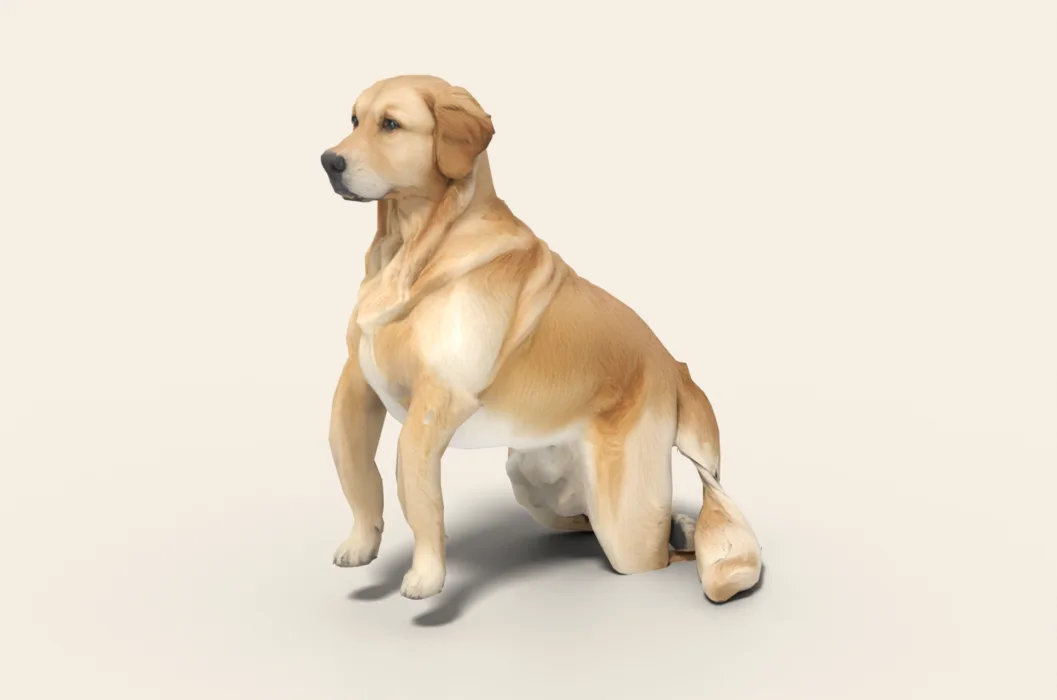
The feathered tail, the soft ears, and a coat somewhere between cream and deep red.
Ready-made pet
No photos to hand? Meet our Golden Retriever
Ours is a Golden Retriever with a feathered golden coat, made by the same pipeline as every customer's pet. Choose it in the Mac app and it is on your desktop in seconds, free to try. Keep it for $19, once, give it any name you like, and it does everything a pet made from photos does.
These stills are rendered from its real 3D model, in the poses it uses on your desktop.

Walking
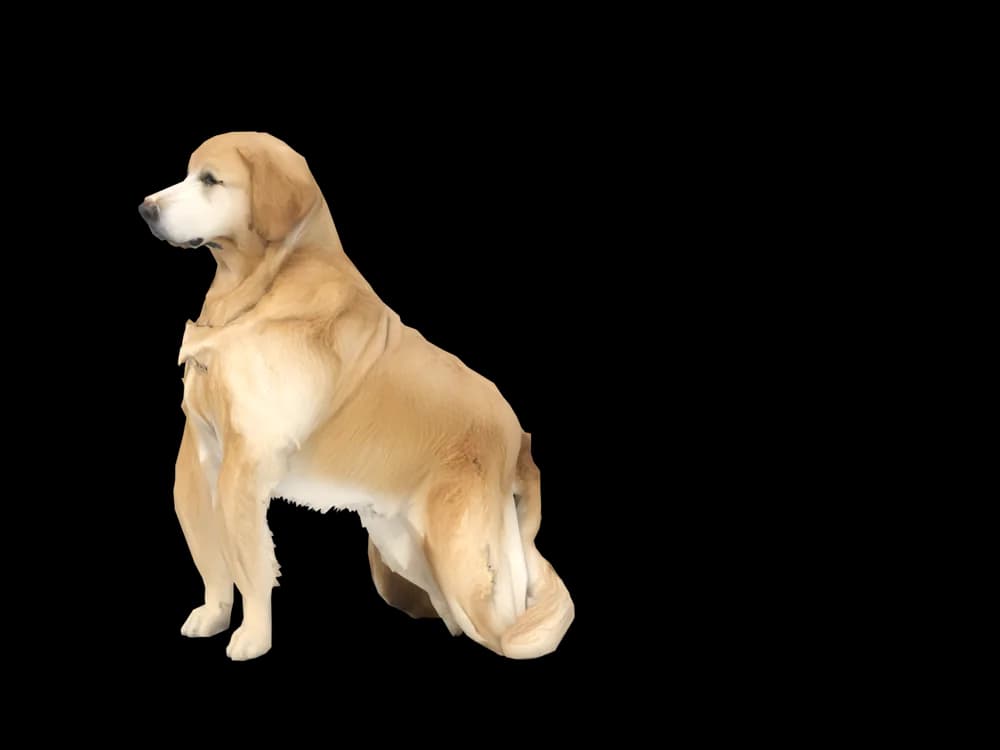
Sitting

Stretching
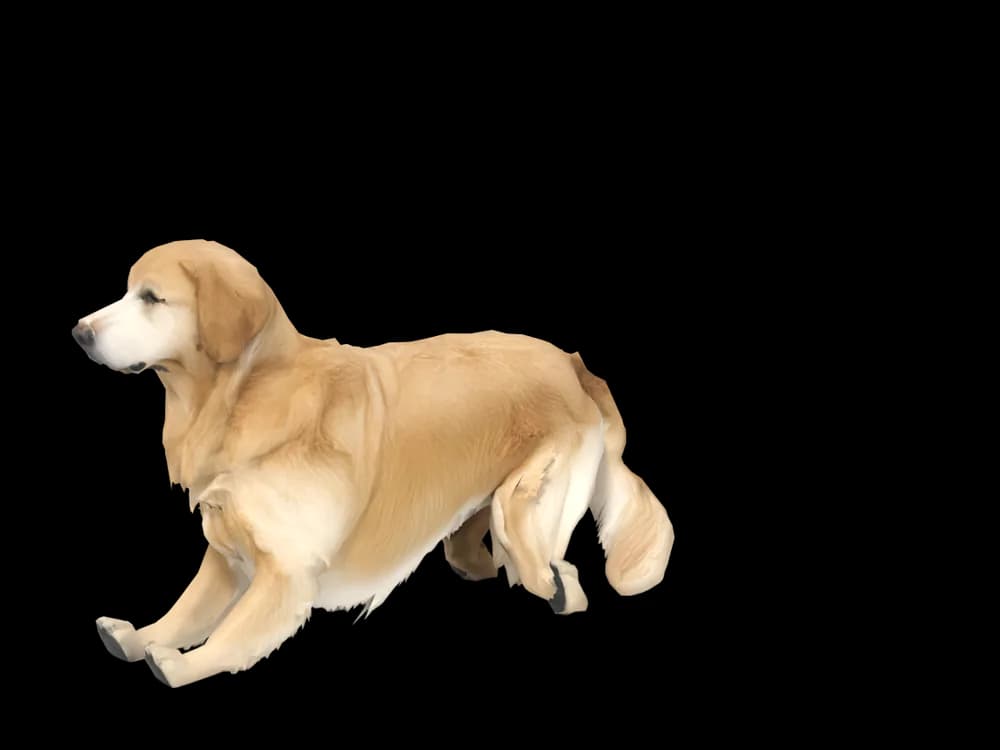
Lying down
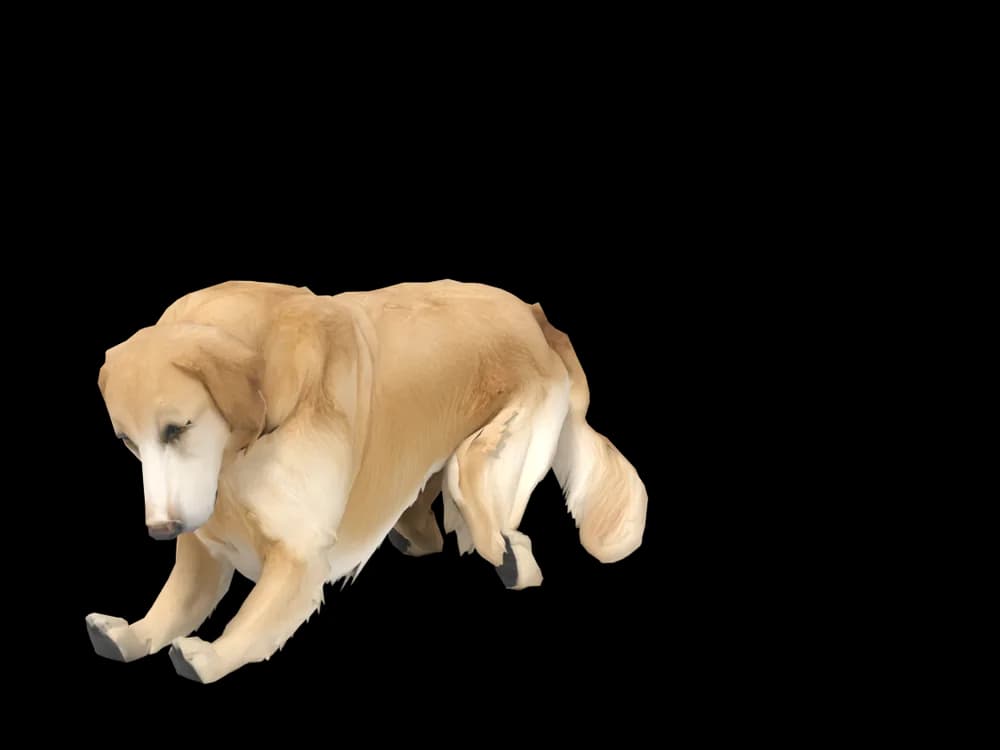
Sleeping
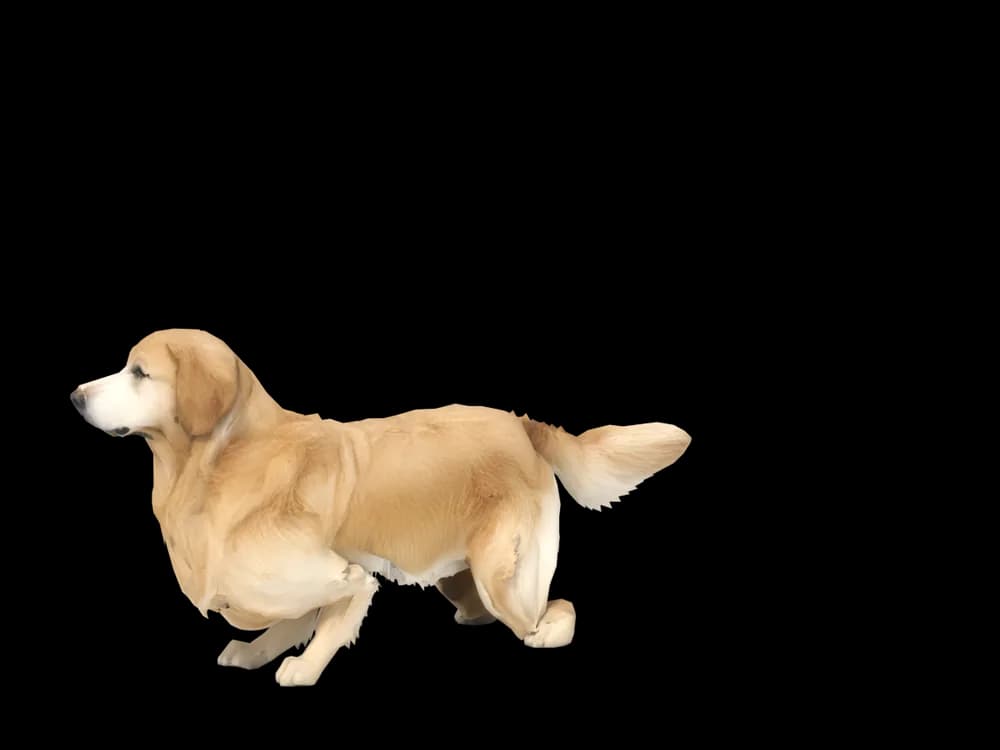
Looking around
In the app: Your pets, then Ready-made pets. Prefer your own dog? Add photos instead, the steps are below.
What makes a Golden Retriever look like yours
Golden retrievers are easy to recognise and surprisingly hard to get right. The colour alone runs from pale cream to deep copper, and most goldens are lighter on the ears, chest and feathering than along the back.
That shading is what makes your golden look like your golden and not a stock photo of one. The app builds your dog from the pictures you add, so the exact shade of the coat, and where it lightens, comes from them rather than from a breed preset.
Made for Golden Retriever markings
Cream to copper
Your golden's own shade, taken from your photos. A pale English cream and a dark red field golden come out as two different dogs, because they are.
Feathering on legs and chest
The longer fringe on the backs of the legs, the chest and the belly is part of the silhouette. A photo from the side shows it best.
Soft, low ears
Golden ears hang close to the cheek and are often a touch darker than the face. The contrast is small, but you would miss it if it were gone.
The plumed tail
Long, full and usually carried level. Include one picture where it is not tucked under or hidden behind a leg.
A frosted muzzle, if they have one
Goldens often whiten around the face early. If yours has gone grey at the chin, that is part of what we build from.
The best photos of your Golden Retriever
Photograph your golden outside in soft daylight or open shade. Direct sun flattens a cream coat to white and makes a red one glow orange. A side view with all four legs visible shows the feathering and the tail. Then get down to eye level for a straight-on face photo, ideally after a brush so the ear fringe lies the way it usually does. A wet golden fresh out of the lake looks like a different animal, so wait until they are dry.
More on which photos work, for any cat or dog: how a custom desktop pet is made.
A sample render
Related breed guides: Labrador Retriever, Poodle and Border Collie. For what your pet does all day, see the desktop pet for Mac.
How it works
Step 1
Add photos
In the Mac app, add a few photos of your cat or dog. A side view and a face are enough to start.
Step 2
See them in 3D, free
In under ten minutes you can turn them around and compare them with your photos. Nothing to pay yet.
Step 3
They move in
Keep them for a one-time price and they live on your desktop: walking the Dock, napping on your windows.
Pricing
Free
See your own pet in 3D before you pay anything.
$19 once
Keep them. No subscription. Up to 3 of your Macs, 2 free regenerations, every behaviour we add later.
14-day money back
If it doesn't look like your pet, you get your money back. No questions asked.
Another pet is $9. All pricing
Questions
Does it work for golden retriever mixes?
Yes, goldendoodles, golden and Lab crosses, and goldens with a bit of something else all work, because each model is built from its own photos rather than a golden template. Show the coat as it really is, curls or waves included.
What if my golden retriever has unusual markings?
A white chest blaze, a darker saddle or one stray white toe is taken from your photos. Make sure at least one picture shows the mark clearly, and if the preview misses it, use one of your two free regenerations.
My golden is very pale. Will the coat look white?
It should match the shade in your photos, so take them in even daylight rather than under a flash or a warm lamp. You see the preview before paying, and a wrong colour is a good reason to regenerate.
Can I make my golden as a puppy?
If you have clear pictures from puppyhood, you can use those instead of recent ones. The app works from whatever photos you give it, so pick one age and keep every photo from that time.
Does a golden do anything different from other dogs on the desktop?
Your golden does what every dog here does: walks the Dock, naps on your windows, watches the cursor and sleeps while you are away. The animations are shared by all dogs; the look is what belongs to yours.
Meet them in 3D
Download the Mac app, add a few photos, and see your pet in 3D before you pay anything.
See your pet in 3D free