Poodle desktop pet
Your Poodle, in 3D, on Your Mac
Curls, a long elegant muzzle, and whatever haircut you chose this month.
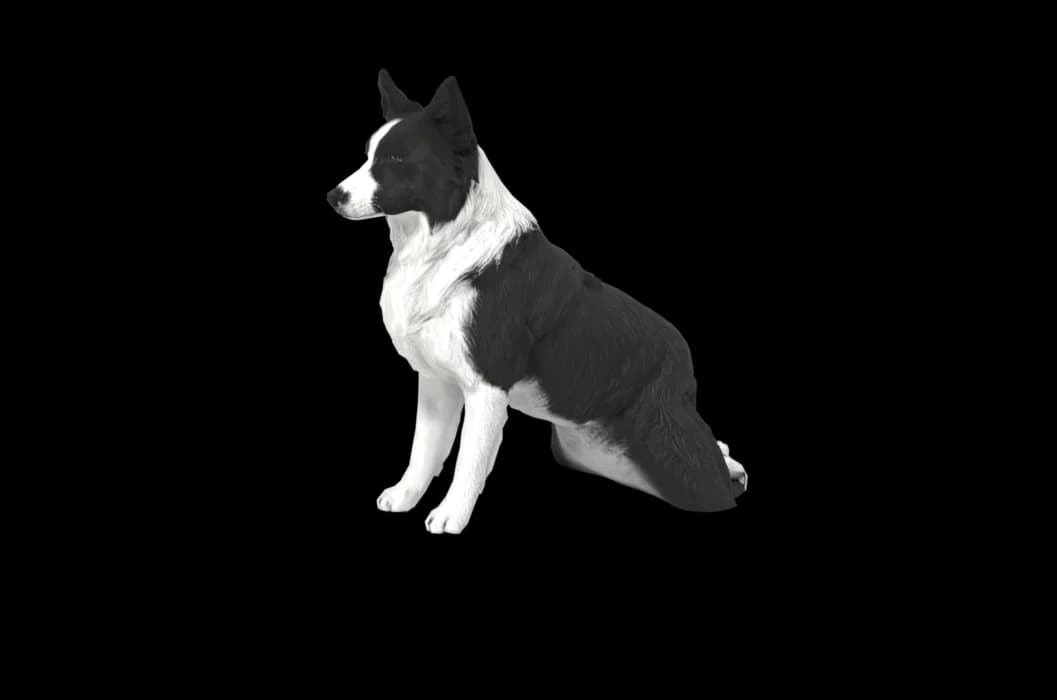
Ready-made pet
No photos to hand? Meet our Poodle
Ours is an apricot standard Poodle in a short, neat puppy clip, made by the same pipeline as every customer's pet. Choose it in the Mac app and it is on your desktop in seconds, free to try. Keep it for $19, once, give it any name you like, and it does everything a pet made from photos does.
These stills are rendered from its real 3D model, in the poses it uses on your desktop.

Walking
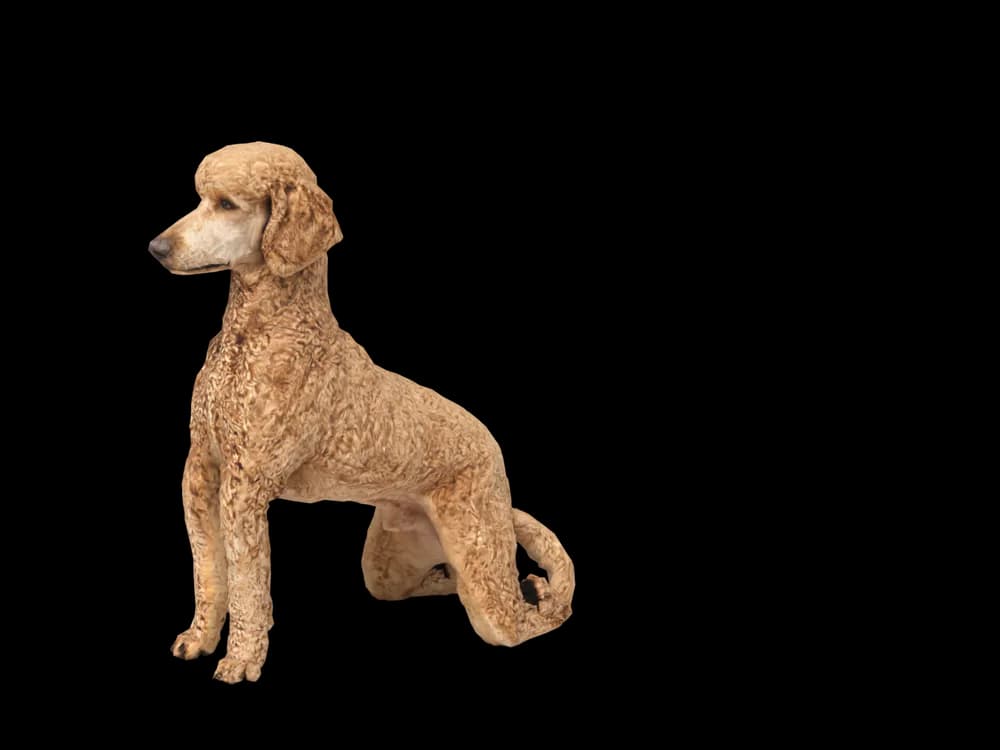
Sitting
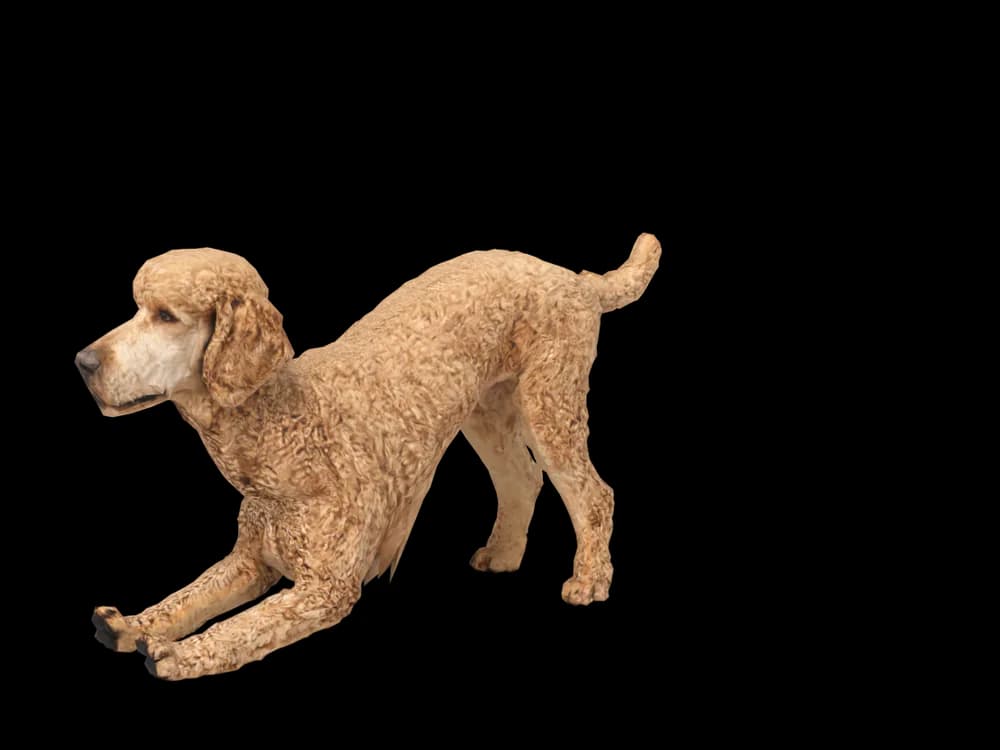
Stretching
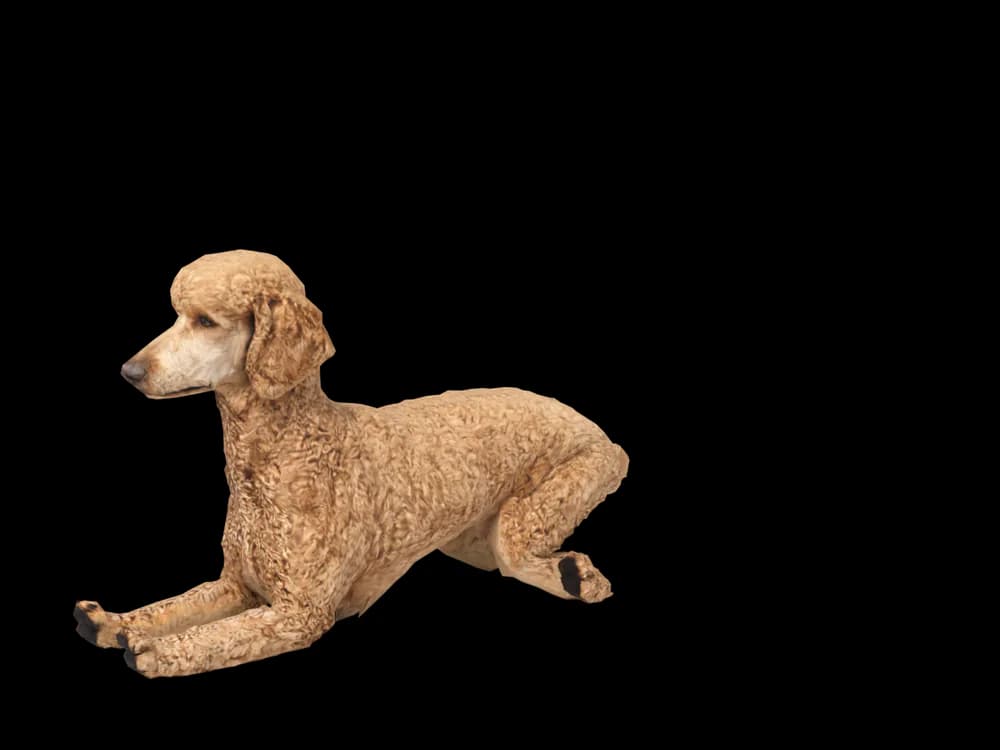
Lying down
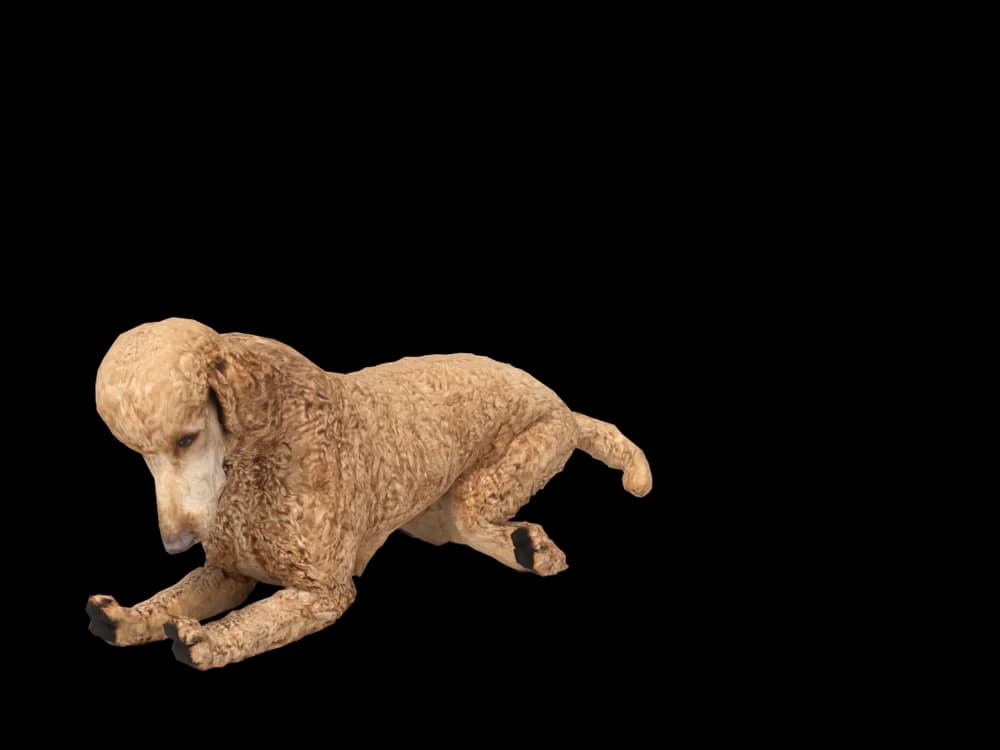
Sleeping
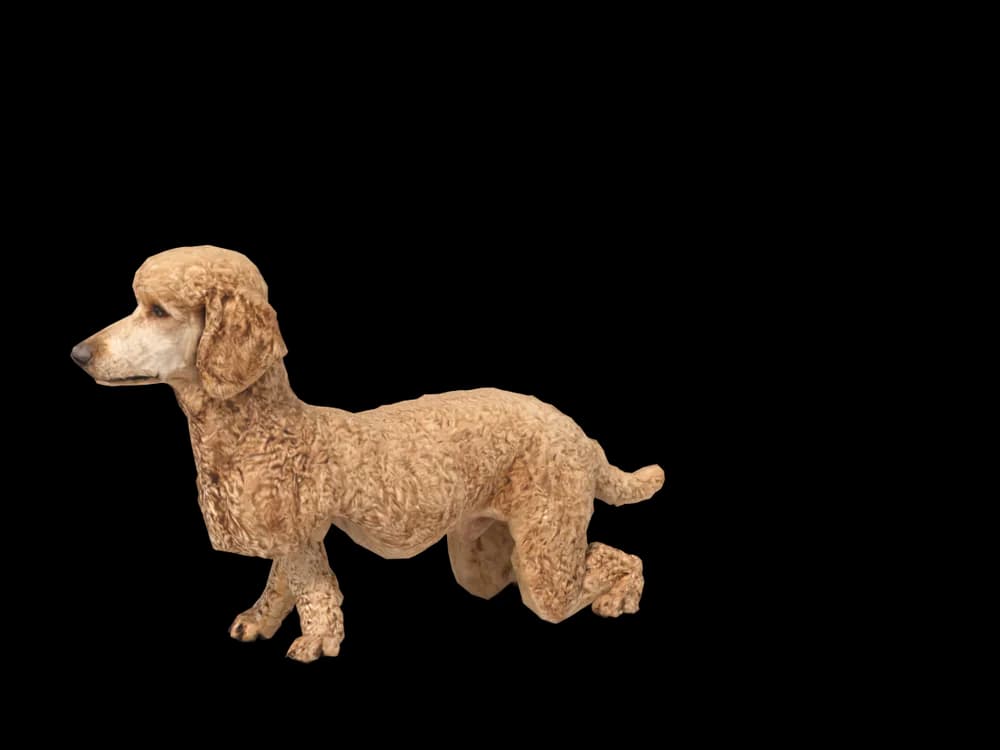
Looking around
In the app: Your pets, then Ready-made pets. Prefer your own dog? Add photos instead, the steps are below.
What makes a Poodle look like yours
Poodles are defined as much by grooming as by breed. A teddy bear cut, a lamb clip, a topknot with shaved feet or a scruffy coat between appointments make very different dogs out of the same poodle.
They also come in three sizes and many solid colours, from white and apricot to silver, black and red, plus parti poodles with white patches. We build your poodle from your photos, so you get the coat and the cut in the pictures you choose.
Made for Poodle markings
Curly coat
Tight curls or looser fluff, depending on the cut, with the texture taken from your photos.
The cut you choose
Topknot, pom-pom tail, shaved face or a full teddy look. Use photos with the cut you want on your desktop.
Long, fine muzzle
Many poodles have a long, narrow face that hair sometimes hides. A clear profile photo shows its length.
Parti and phantom coats
White patches on a parti poodle, or tan points on a phantom, are placed from the pictures.
The best photos of your Poodle
Choose one grooming stage and use photos from that time only; mixing a fresh cut with a shaggy coat muddles the shape. Take a side view that shows the full silhouette, legs and tail included, against a background that contrasts with the coat. White and apricot poodles lose detail in sunlight, so use shade. Then take one close face photo where the eyes are not hidden by hair.
More on which photos work, for any cat or dog: how a custom desktop pet is made.
A sample render
Related breed guides: Golden Retriever, Pomeranian and Labrador Retriever. For what your pet does all day, see the desktop pet for Mac.
How it works
Step 1
Add photos
In the Mac app, add a few photos of your cat or dog. A side view and a face are enough to start.
Step 2
See them in 3D, free
In under ten minutes you can turn them around and compare them with your photos. Nothing to pay yet.
Step 3
They move in
Keep them for a one-time price and they live on your desktop: walking the Dock, napping on your windows.
Pricing
Free
See your own pet in 3D before you pay anything.
$19 once
Keep them. No subscription. Up to 3 of your Macs, 2 free regenerations, every behaviour we add later.
14-day money back
If it doesn't look like your pet, you get your money back. No questions asked.
Another pet is $9. All pricing
Questions
Does it work for poodle mixes?
Doodles are some of the most varied dogs there are, which is why they suit this: goldendoodles, cavapoos, cockapoos and bernedoodles are all made from their own photos, never from a breed template.
What if my poodle has unusual markings?
Parti patches, phantom points, a brindle coat or a single white foot is taken from your photos. Show them clearly, ideally when the coat has some length rather than straight after a close shave.
Can I choose a different haircut from the one in my photos?
The model follows your photos, so the haircut in them is the one you get. If you want the show clip, use pictures of your poodle in the show clip.
Does size matter for the model?
Toy, miniature and standard poodles differ mostly in proportion, and those proportions come from your photos. A side view with the legs straight is the most useful picture for this.
Meet them in 3D
Download the Mac app, add a few photos, and see your pet in 3D before you pay anything.
See your pet in 3D free