Chihuahua desktop pet
Your Chihuahua, in 3D, on Your Mac
Big ears, big eyes and a lot of dog in a very small body.
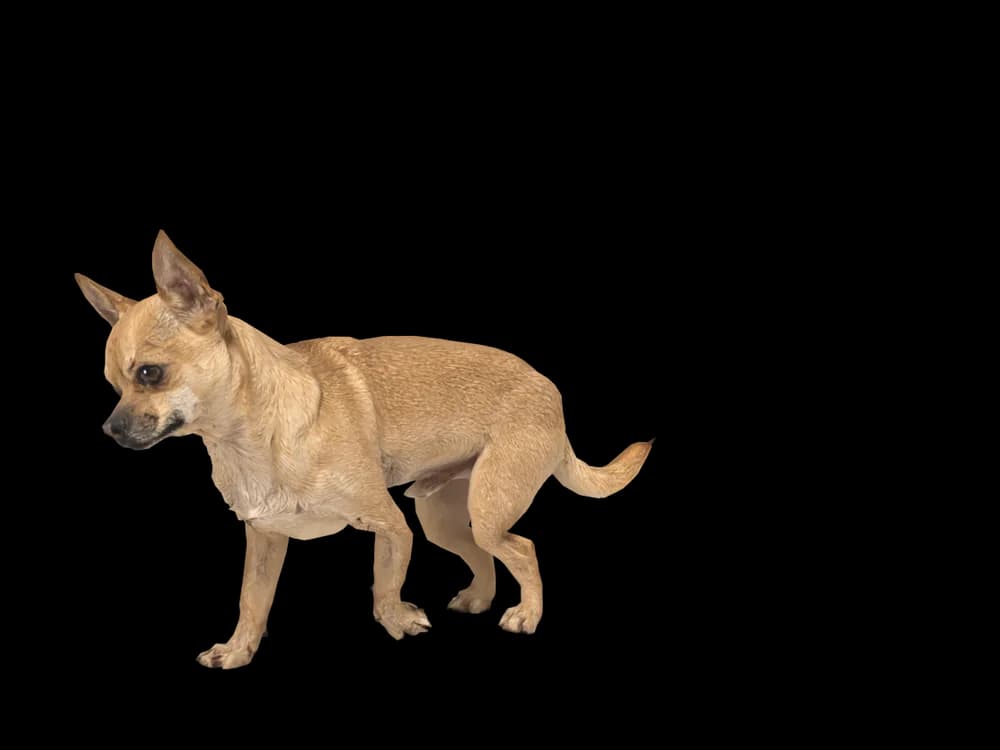
Ready-made pet
No photos to hand? Meet our Chihuahua
Ours is a fawn short-haired Chihuahua, made by the same pipeline as every customer's pet. Choose it in the Mac app and it is on your desktop in seconds, free to try. Keep it for $19, once, give it any name you like, and it does everything a pet made from photos does.
These stills are rendered from its real 3D model, in the poses it uses on your desktop.
Walking
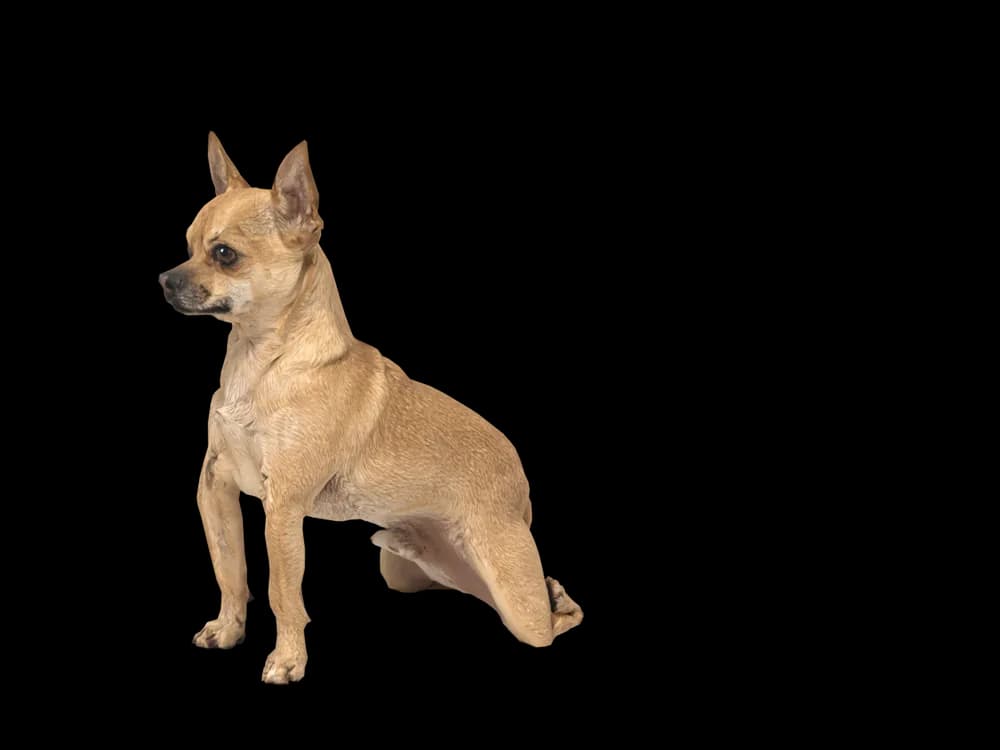
Sitting
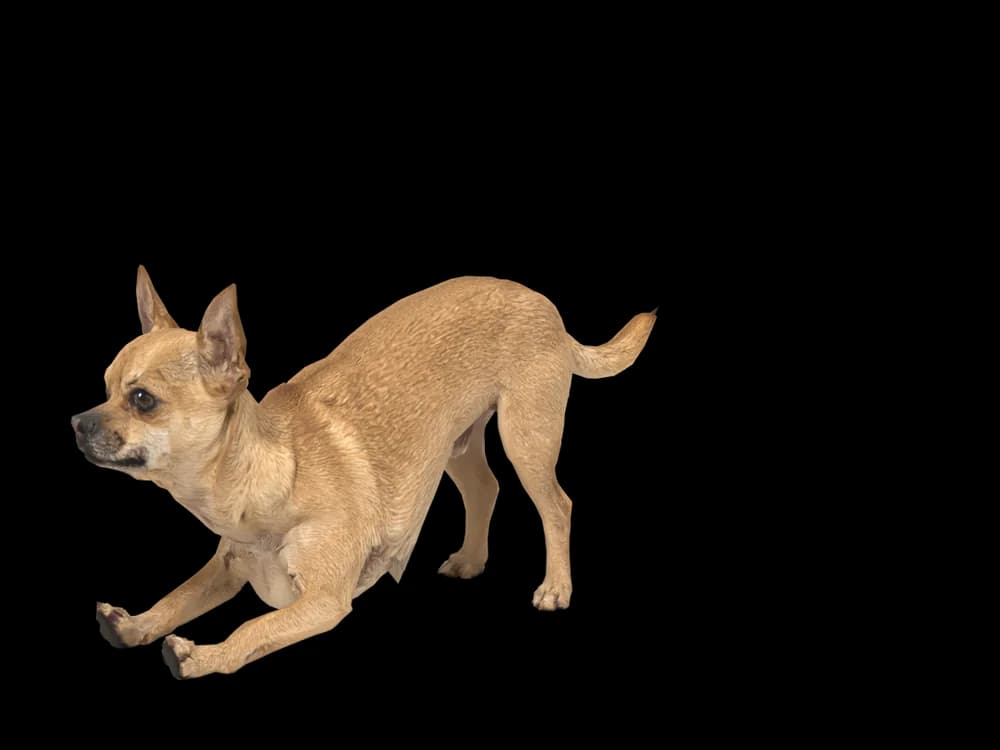
Stretching
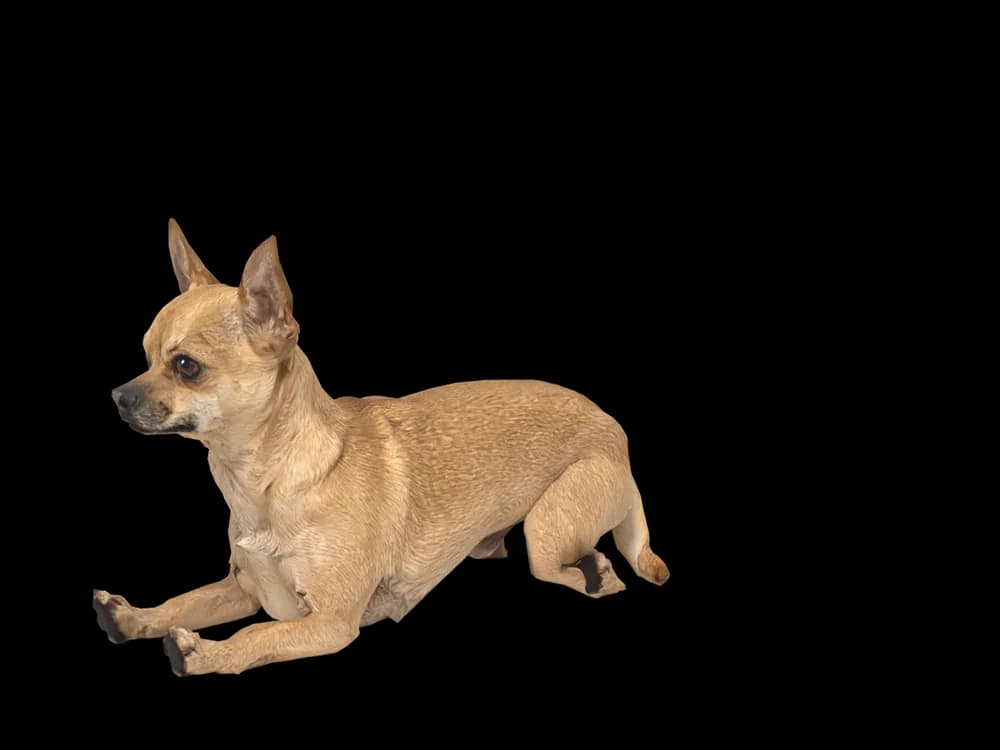
Lying down
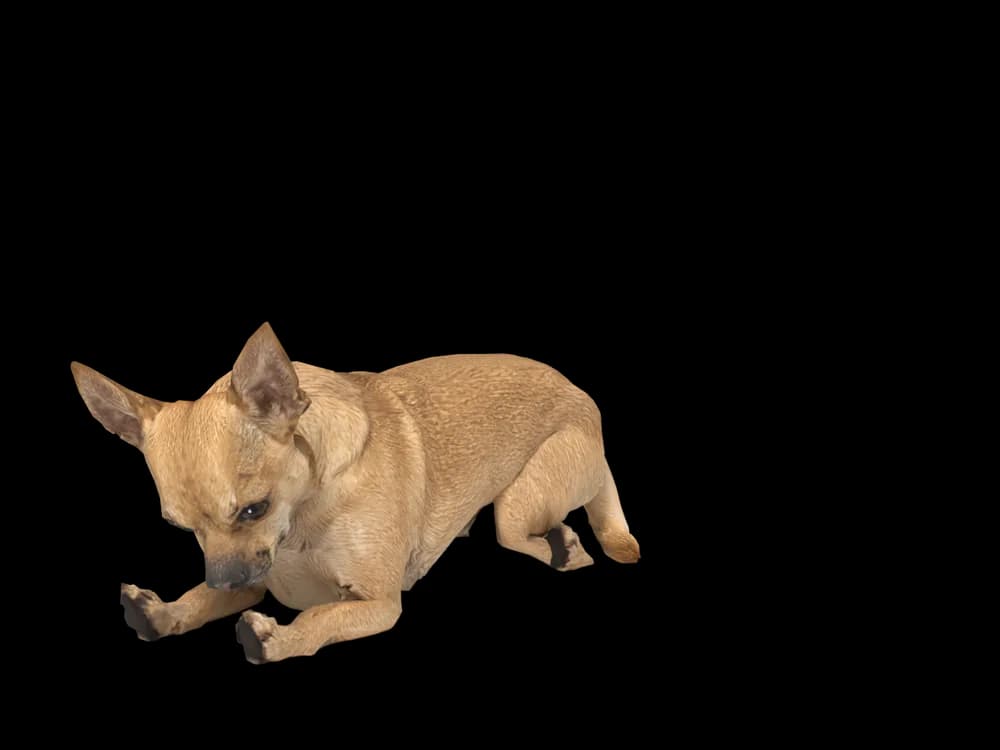
Sleeping
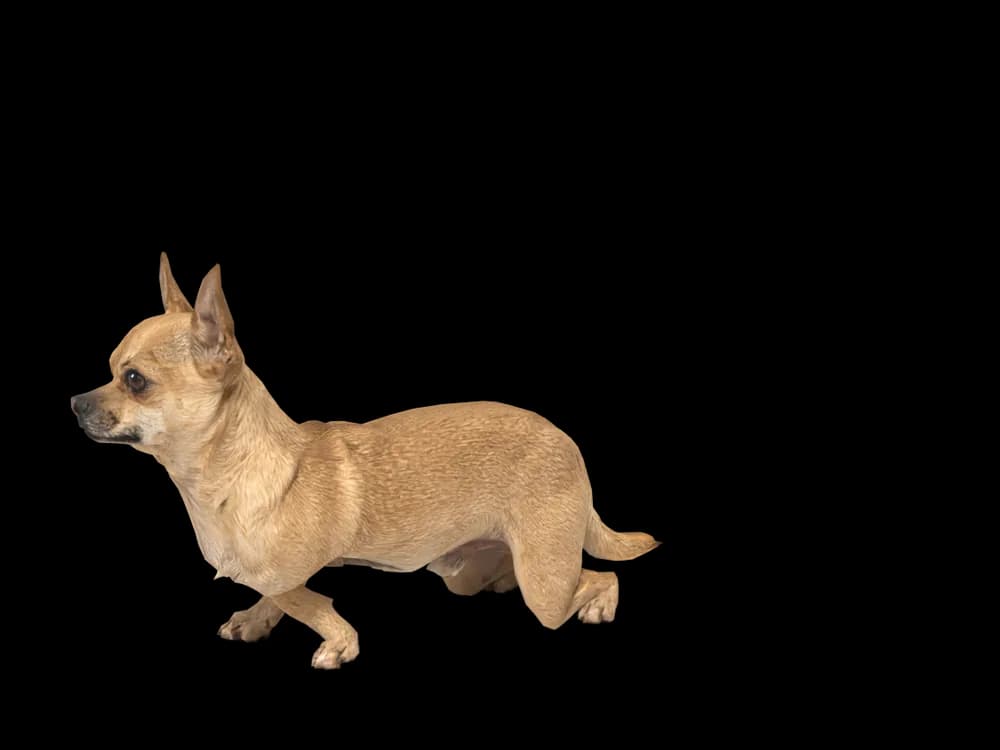
Looking around
In the app: Your pets, then Ready-made pets. Prefer your own dog? Add photos instead, the steps are below.
What makes a Chihuahua look like yours
The smallest dog breed has the biggest features: ears that stand up like sails, round eyes, and a rounded apple head on a light, fine-boned body. It is a shape that reads instantly, even small on a desktop.
Chihuahuas come short-haired or long-haired and in almost every colour: fawn, cream, chocolate, black and tan, and brindle or merle. Your own dog is made from your photos. Our ready-made one is a fawn short-haired Chihuahua you can pick and rename straight away.
Made for Chihuahua markings
Upright ears
Large, wide and usually standing tall. Their angle is taken from the face photo.
The apple head
A rounded skull and a short muzzle, or the longer deer-head shape. Your photos decide which.
Big, round eyes
Dark and expressive. A close face photo keeps them sharp.
Smooth or long coat
A smooth coat or the long fringed ears and plumed tail of a long-haired Chihuahua.
Fine-boned legs
Slim legs and small paws. A side photo standing shows how your dog carries them.
The best photos of your Chihuahua
Chihuahuas are tiny, so photograph them on the floor from their own height, never looking down from above. A side photo standing still shows the body and legs; a straight-on face photo shows the ears and eyes. Take them in daylight and without a jumper or harness, since clothing changes the outline the model is built from.
More on which photos work, for any cat or dog: how a custom desktop pet is made.
More breeds
Related breed guides: Pomeranian, French Bulldog and Dachshund. For what your pet does all day, see the desktop pet for Mac.
How it works
Step 1
Add photos
In the Mac app, add a few photos of your cat or dog. A side view and a face are enough to start.
Step 2
See them in 3D, free
In under ten minutes you can turn them around and compare them with your photos. Nothing to pay yet.
Step 3
They move in
Keep them for a one-time price and they live on your desktop: walking the Dock, napping on your windows.
Pricing
Free
See your own pet in 3D before you pay anything.
$19 once
Keep them. No subscription. Up to 3 of your Macs, 2 free regenerations, every behaviour we add later.
14-day money back
If it doesn't look like your pet, you get your money back. No questions asked.
Another pet is $9. All pricing
Questions
Does it work for Chihuahua mixes?
Chiweenies, Chorkies and every other cross work from their own photos.
What if my Chihuahua has unusual markings?
Merle, brindle, a white blaze or black and tan points come from your pictures, placed where your dog has them.
Is a long-haired Chihuahua any different?
The ear fringes and plumed tail are kept, since the coat comes from your photos.
My Chihuahua always wears a jumper. Should it stay on for the photos?
Take it off for the photos: clothing changes the outline the model is built from.
How big does a Chihuahua look on screen?
Pets are scaled to their real size against each other, and the app has small, medium and large settings.
Meet them in 3D
Download the Mac app, add a few photos, and see your pet in 3D before you pay anything.
See your pet in 3D free