Pug desktop pet
Your Pug, in 3D, on Your Mac
The black mask, the wrinkles, the curled tail and eyes that look straight at you.
What makes a Pug look like yours
Pugs have one of the most recognisable faces of any dog: a flat black mask, deep wrinkles over the nose, big round eyes and small ears folded like velvet. On a pug, the face is nearly everything.
That also means small differences change the whole expression: how deep the nose roll is, how far the mask spreads, whether the wrinkles are symmetrical. The app works from your photos, so your pug's face is made from your pug.
Made for Pug markings
Black mask and ears
The dark mask, the black ears and the thumbprint on the forehead, all placed from your pictures.
Wrinkles and nose roll
Every pug's wrinkle pattern is its own. A close front photo in good light helps the model find them.
The tight curled tail
A single or double curl sitting over the hip. Take one photo from the side or behind so the curl is visible.
Compact, square body
A short back and broad chest in fawn, apricot, silver or black, with the shade taken from the photos.
The best photos of your Pug
Pug faces are full of shadow, so light matters more than angle. Sit near a window in daytime and let the light reach the face from the front or slightly to one side. Avoid overhead light, which fills every wrinkle with black. Take the face photo at eye level, then a side view that shows the curl of the tail. For a black pug, a little extra light is the difference between a face and a dark shape.
More on which photos work, for any cat or dog: how a custom desktop pet is made.
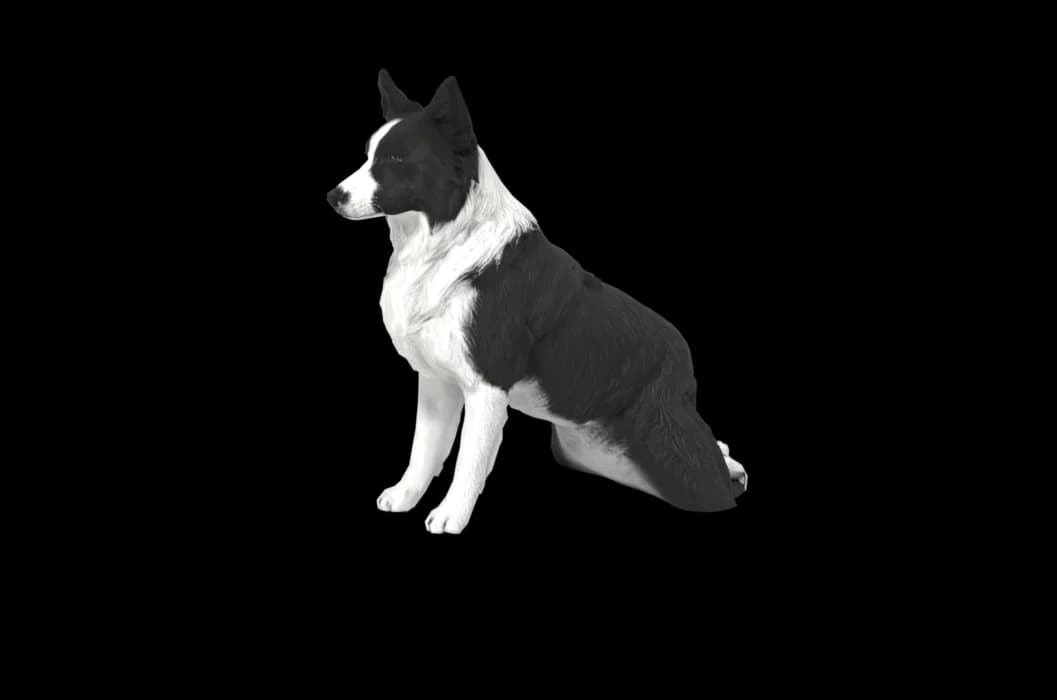
A sample render
Related breed guides: Beagle, Dachshund and Pomeranian. For what your pet does all day, see the desktop pet for Mac.
How it works
Step 1
Add photos
In the Mac app, add a few photos of your cat or dog. A side view and a face are enough to start.
Step 2
See them in 3D, free
In under ten minutes you can turn them around and compare them with your photos. Nothing to pay yet.
Step 3
They move in
Keep them for a one-time price and they live on your desktop: walking the Dock, napping on your windows.
Pricing
Free
See your own pet in 3D before you pay anything.
$19 once
Keep them. No subscription. Up to 3 of your Macs, 2 free regenerations, every behaviour we add later.
14-day money back
If it doesn't look like your pet, you get your money back. No questions asked.
Another pet is $9. All pricing
Questions
Does it work for pug mixes?
Yes, puggles, pug and chihuahua crosses, and pugs with a longer nose than the breed standard all work, because we build from photos of the dog you actually have.
What if my pug has unusual markings?
A white chest spot, brindle, a mask that fades early or a black pug with grey whiskers is taken from your photos. Get the unusual part in good light.
Will the wrinkles really show?
The clearer the wrinkles are in the pictures, the better the result, since they are built from them. Check them in the free preview; if they look flat, regenerate.
My black pug looks like a blob in every photo. What should I do?
Photograph outdoors on a bright, cloudy day and skip any filters. A little shine on the coat shows the shape, and two regenerations are included if the first try loses detail.
Meet them in 3D
Download the Mac app, add a few photos, and see your pet in 3D before you pay anything.
See your pet in 3D free