Sphynx Cat desktop pet
Your Sphynx Cat, in 3D, on Your Mac
Wrinkles, huge ears and patterned skin with nothing to hide it.
What makes a Sphynx Cat look like yours
A Sphynx looks hairless but is not a blank canvas. The skin carries colour and pattern just as a coat would: pink, grey, cream or black, with tabby, tortie or calico patches clearly visible. Then there are the wrinkles on the forehead and shoulders, the large ears and the lemon-shaped eyes.
With no fur to soften it, the shape of a Sphynx is all on show. We build yours from your photos, so their skin colour, patches and wrinkles are theirs.
Made for Sphynx Cat markings
Patterned skin
Pigment patches and tabby markings on the skin are mapped from your photos.
Wrinkles
Folds on the forehead, around the shoulders and between the ears, taken from your pictures.
Very large ears
Wide, tall ears that dominate the head, and a front photo shows their size.
Lean body and whip tail
A rounded belly, long legs and a thin tail. A side view shows the build.
The best photos of your Sphynx Cat
Skin reflects light differently from fur, so avoid flash and direct sun, which make a Sphynx look shiny. Soft window light is ideal. Take a side photo with your cat standing so the wrinkles and belly are visible, and a front photo for the ears and eyes. If your cat usually wears a jumper, take it off for the photos so the skin can be seen.
More on which photos work, for any cat or dog: how a custom desktop pet is made.
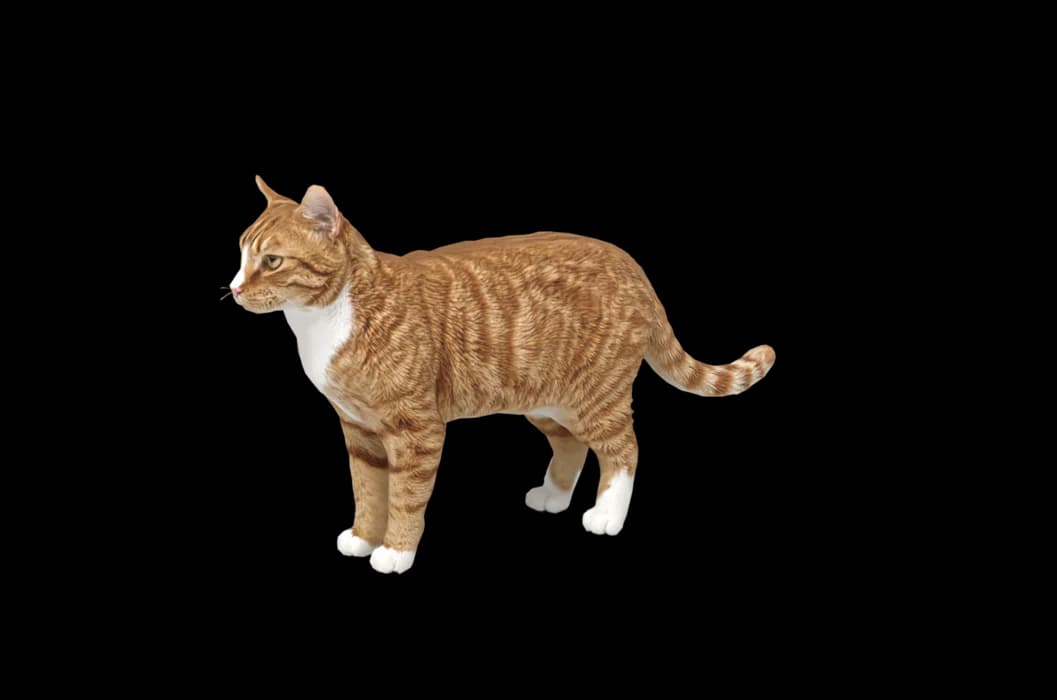
A sample render
Related breed guides: Siamese Cat, Bengal Cat and British Shorthair. For what your pet does all day, see the desktop pet for Mac.
How it works
Step 1
Add photos
In the Mac app, add a few photos of your cat or dog. A side view and a face are enough to start.
Step 2
See them in 3D, free
In under ten minutes you can turn them around and compare them with your photos. Nothing to pay yet.
Step 3
They move in
Keep them for a one-time price and they live on your desktop: walking the Dock, napping on your windows.
Pricing
Free
See your own pet in 3D before you pay anything.
$19 once
Keep them. No subscription. Up to 3 of your Macs, 2 free regenerations, every behaviour we add later.
14-day money back
If it doesn't look like your pet, you get your money back. No questions asked.
Another pet is $9. All pricing
Questions
Does it work for Sphynx mixes?
Yes, Sphynx crosses with a little peach fuzz, and other hairless or near-hairless cats, are all built from their own photos.
What if my Sphynx cat has unusual markings?
Freckles, a patch of darker skin, tabby stripes or calico patches are taken from your photos. They are often easier to see than on a coated cat, so the pictures should show them well.
Will the wrinkles come through?
They are built from your photos, so good light matters. Check them in the free preview and regenerate if they look smooth.
My Sphynx has a light fuzz. Does that matter?
No, the fuzz is just part of how your cat looks in the photos.
Meet them in 3D
Download the Mac app, add a few photos, and see your pet in 3D before you pay anything.
See your pet in 3D free