Siamese Cat desktop pet
Your Siamese Cat, in 3D, on Your Mac
Dark points, a pale body, and blue eyes you notice across a room.
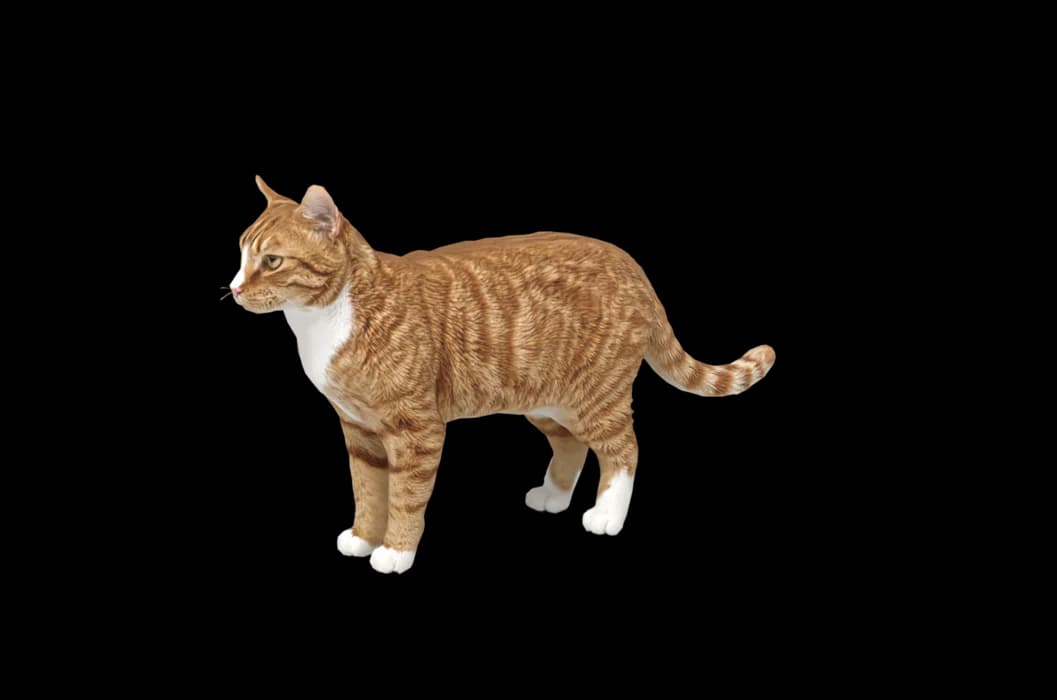
What makes a Siamese Cat look like yours
The Siamese look comes from colour points: a pale body with darker ears, mask, legs and tail. Seal point is the famous one, with blue, chocolate, lilac, red and tabby points too. The eyes are always blue, and the build is long and slender, often with a wedge-shaped head.
Points also darken with age and in cold weather, so no two Siamese look quite alike. We build yours from your photos, so their point colour, the size of the mask and the shade of the body are theirs.
Made for Siamese Cat markings
Colour points
Darker ears, face, paws and tail over a pale body, placed from your photos.
Blue almond eyes
Deep blue and slanted. A close face photo in daylight shows their colour.
Long, slender build
Long legs, a thin tail and a sleek coat, and a side view shows the lines.
Large ears
Wide at the base and set to continue the wedge of the head.
The best photos of your Siamese Cat
Contrast is the challenge with a Siamese: a dark mask next to a cream body. Shoot in soft daylight, never direct sun, so neither end is lost. Take a side view with your cat standing, to show the long legs and tail. For the face, get close at eye level and focus on the eyes. If your cat has darkened with age, use recent photos for the colour you see now.
More on which photos work, for any cat or dog: how a custom desktop pet is made.
A sample render
Related breed guides: Ragdoll, Sphynx Cat and Bengal Cat. For what your pet does all day, see the desktop pet for Mac.
How it works
Step 1
Add photos
In the Mac app, add a few photos of your cat or dog. A side view and a face are enough to start.
Step 2
See them in 3D, free
In under ten minutes you can turn them around and compare them with your photos. Nothing to pay yet.
Step 3
They move in
Keep them for a one-time price and they live on your desktop: walking the Dock, napping on your windows.
Pricing
Free
See your own pet in 3D before you pay anything.
$19 once
Keep them. No subscription. Up to 3 of your Macs, 2 free regenerations, every behaviour we add later.
14-day money back
If it doesn't look like your pet, you get your money back. No questions asked.
Another pet is $9. All pricing
Questions
Does it work for Siamese mixes?
Yes, pointed cats of any mix work, and so do Balinese, Tonkinese and part-Siamese rescues. The model is made from the photos, not from a Siamese template.
What if my Siamese cat has unusual markings?
Lynx points, tortie points, white paws or a mask that has spread into the body colour come from your photos. Make sure one picture shows them clearly.
My Siamese is an old-style, round-headed type. Is that fine?
Apple-headed and wedge-headed Siamese both work, since the head shape comes from your photos.
Will the blue eyes be the right blue?
They are taken from your face photo, so shoot in daylight. You check them in the free preview, and two regenerations are included.
Meet them in 3D
Download the Mac app, add a few photos, and see your pet in 3D before you pay anything.
See your pet in 3D free