Ragdoll desktop pet
Your Ragdoll, in 3D, on Your Mac
Blue eyes, a soft semi-long coat and points that deepen over the years.

Ready-made pet
No photos to hand? Meet our Ragdoll
Ours is a seal point Ragdoll with blue eyes and a fluffy coat, made by the same pipeline as every customer's pet. Choose it in the Mac app and it is on your desktop in seconds, free to try. Keep it for $19, once, give it any name you like, and it does everything a pet made from photos does.
These stills are rendered from its real 3D model, in the poses it uses on your desktop.

Walking
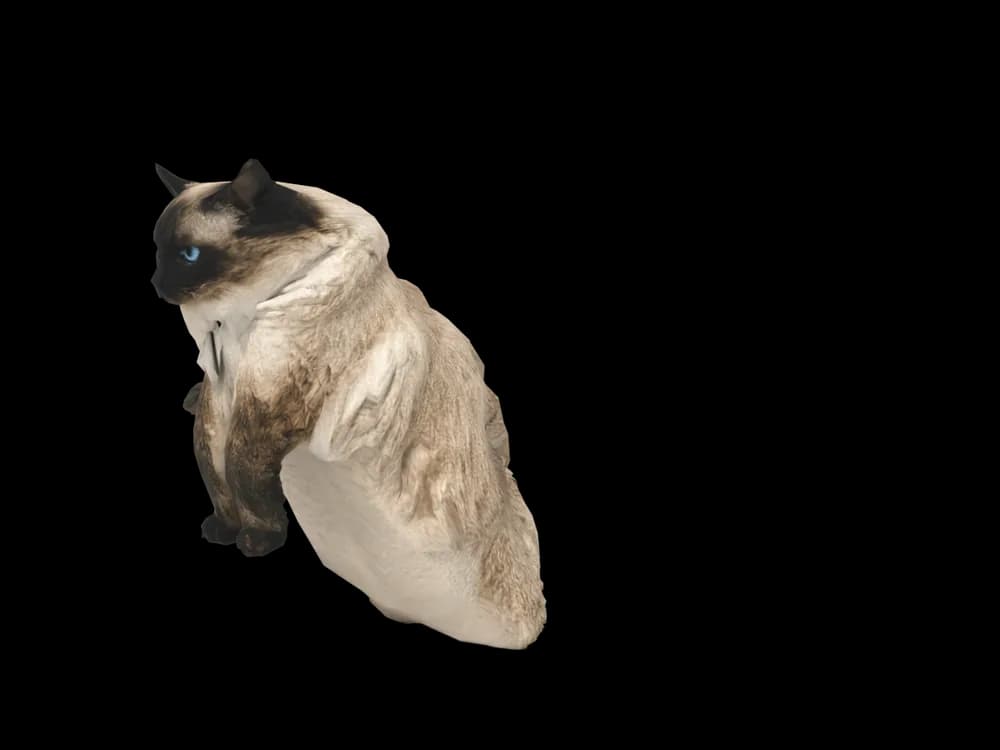
Sitting
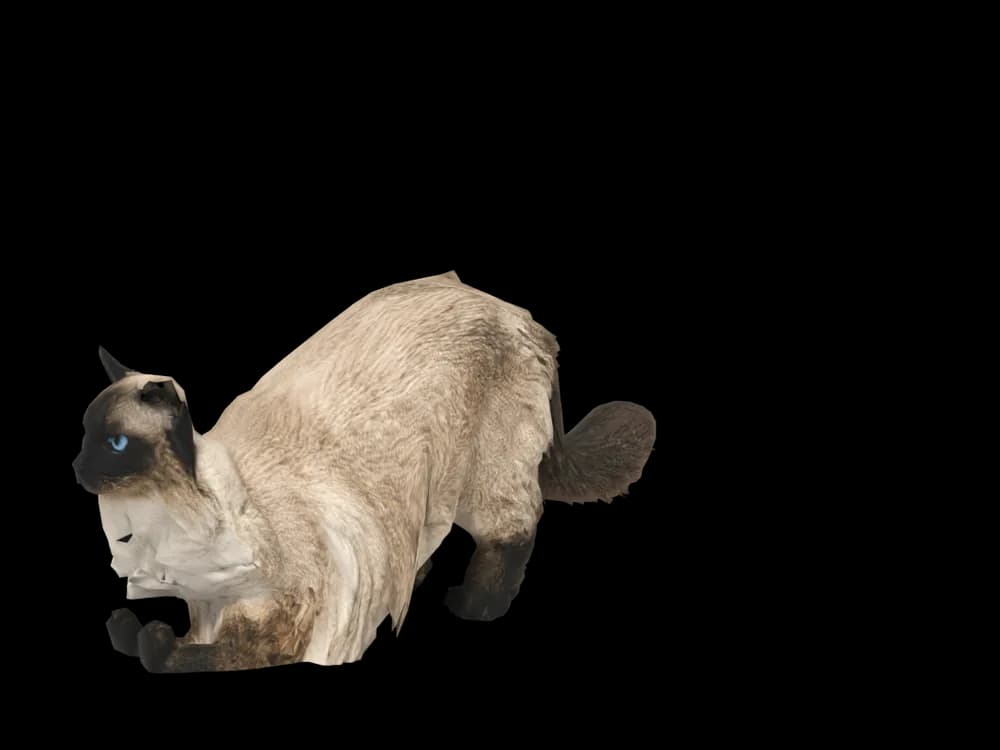
Stretching
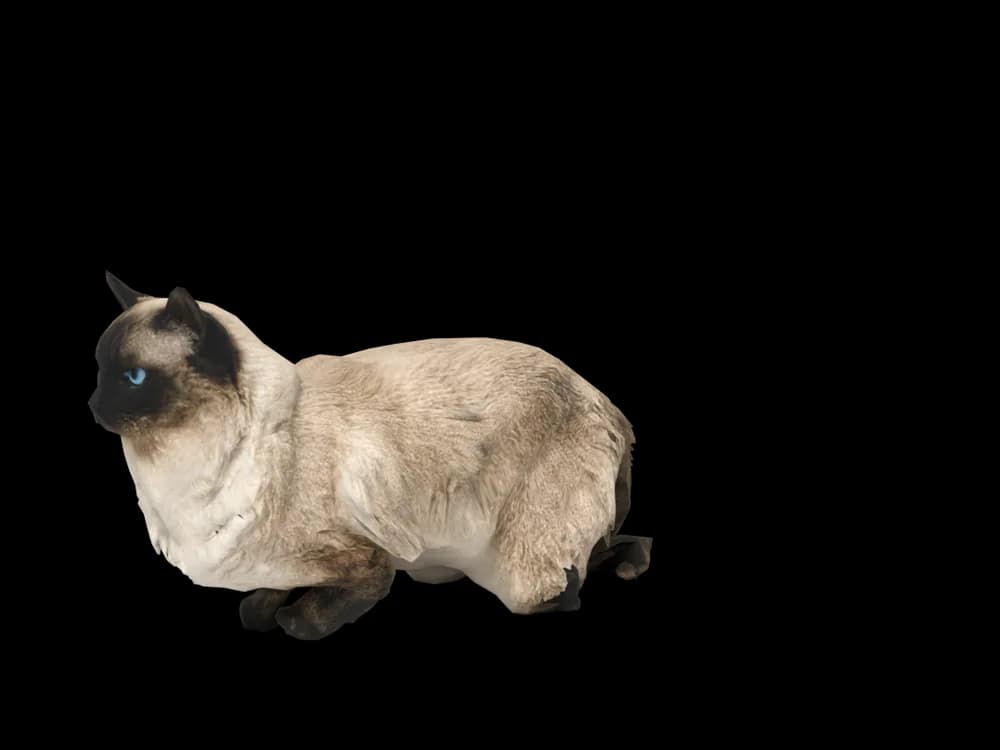
Lying down
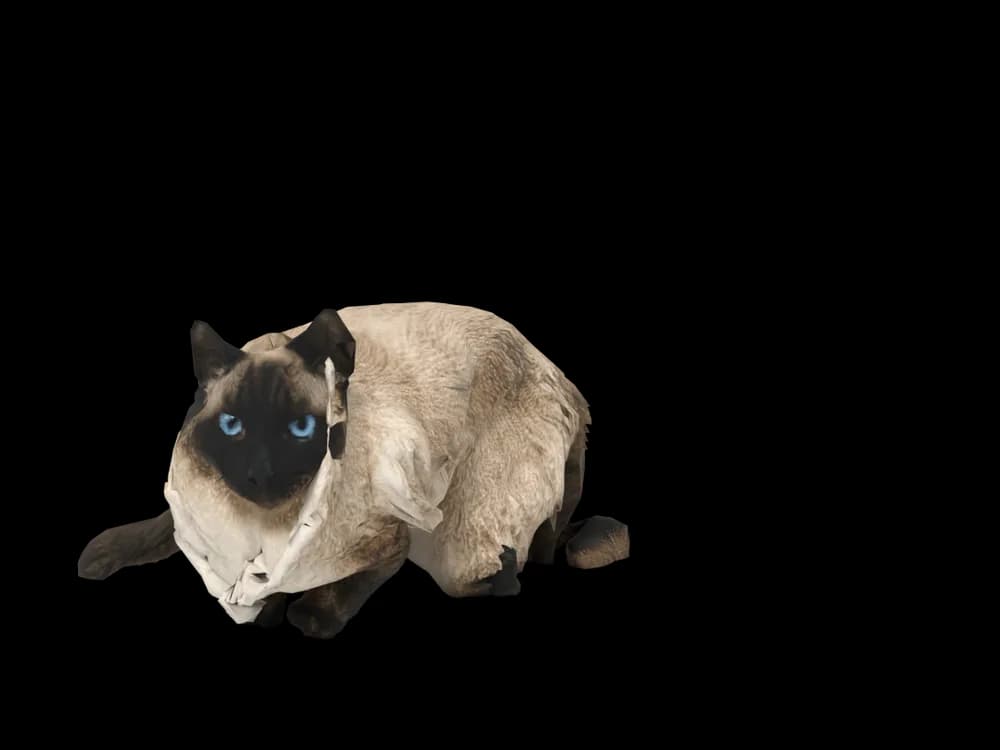
Sleeping
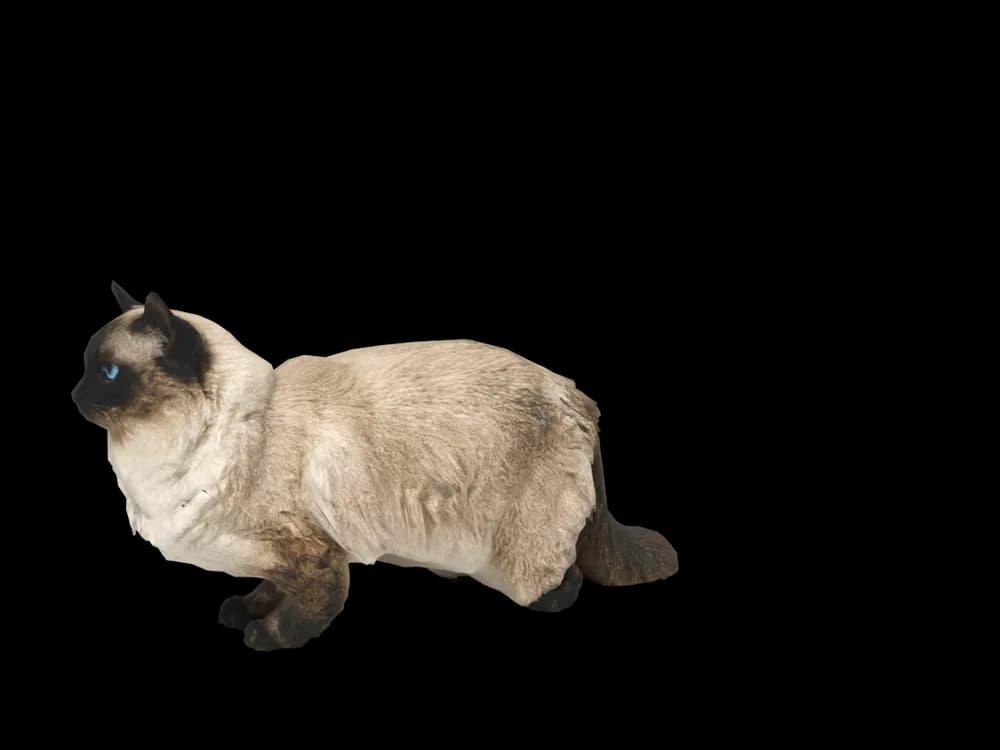
Looking around
In the app: Your pets, then Ready-made pets. Prefer your own cat? Add photos instead, the steps are below.
What makes a Ragdoll look like yours
Ragdolls are pointed cats, like the Siamese, but with a longer, silkier coat and a larger, softer build. They come in three patterns: colourpoint with no white, mitted with white paws and chin, and bicolour with an inverted V of white on the face.
Seal, blue, chocolate and lilac points are common, plus lynx and tortie. Your Ragdoll is built from your photos, so their pattern, the shape of the white and their point colour are theirs.
Made for Ragdoll markings
Colourpoint, mitted or bicolour
The white mittens, chin and inverted V are placed from your photos, never assumed from the pattern name.
Blue eyes
Large, oval and blue. A close front photo in daylight shows them.
Semi-long coat
Silky fur with a ruff and a plumed tail, taken from your pictures.
Large, soft build
A long body and big paws, with size and proportion read from a side photo.
The best photos of your Ragdoll
The white of a mitted or bicolour Ragdoll and the points both need to show, so use soft daylight rather than sun. Take a side photo with your cat stretched out or standing; a Ragdoll flopped on its back is lovely but hides the pattern. For the face, get level and close so the V and the blue eyes are sharp. Add a photo of the paws if the mittens are uneven.
More on which photos work, for any cat or dog: how a custom desktop pet is made.
A sample render
Related breed guides: Siamese Cat, Maine Coon and Persian Cat. For what your pet does all day, see the desktop pet for Mac.
How it works
Step 1
Add photos
In the Mac app, add a few photos of your cat or dog. A side view and a face are enough to start.
Step 2
See them in 3D, free
In under ten minutes you can turn them around and compare them with your photos. Nothing to pay yet.
Step 3
They move in
Keep them for a one-time price and they live on your desktop: walking the Dock, napping on your windows.
Pricing
Free
See your own pet in 3D before you pay anything.
$19 once
Keep them. No subscription. Up to 3 of your Macs, 2 free regenerations, every behaviour we add later.
14-day money back
If it doesn't look like your pet, you get your money back. No questions asked.
Another pet is $9. All pricing
Questions
Does it work for Ragdoll mixes?
Yes, long-haired pointed mixes and Ragdoll crosses work the same way, because the model is built from photos and not a breed template.
What if my Ragdoll has unusual markings?
Mismarked mittens, a lopsided V, a white spot on the back or lynx stripes on the points come from your photos. Get each one into at least one sharp picture.
My Ragdoll's points darken every year. Which photos should I use?
Use recent photos for how they look now, or older ones if you prefer them as a young cat. The model follows the pictures.
Is my Ragdoll too fluffy for a good model?
Semi-long coats work. Brush before photographing, and you see the result free before you decide.
Meet them in 3D
Download the Mac app, add a few photos, and see your pet in 3D before you pay anything.
See your pet in 3D free