Maine Coon desktop pet
Your Maine Coon, in 3D, on Your Mac
Ear tufts, a lion's ruff and a tail nearly as long as the rest of the cat.

Ready-made pet
No photos to hand? Meet our Maine Coon
Ours is a brown tabby Maine Coon with tufted ears and a shaggy coat, made by the same pipeline as every customer's pet. Choose it in the Mac app and it is on your desktop in seconds, free to try. Keep it for $19, once, give it any name you like, and it does everything a pet made from photos does.
These stills are rendered from its real 3D model, in the poses it uses on your desktop.

Walking
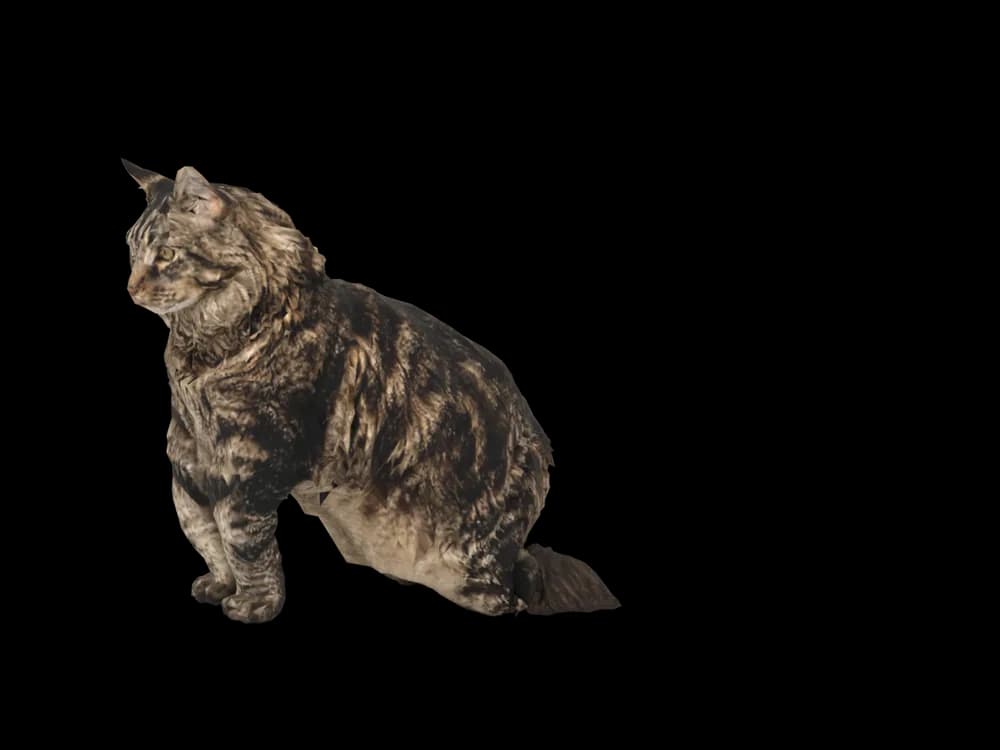
Sitting
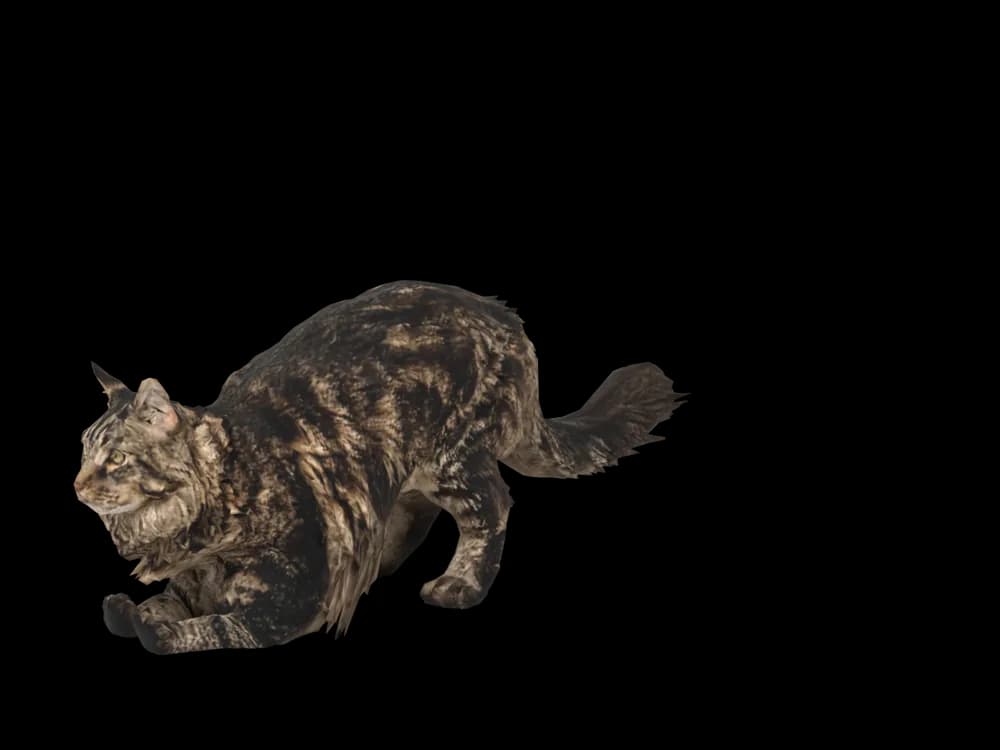
Stretching

Lying down
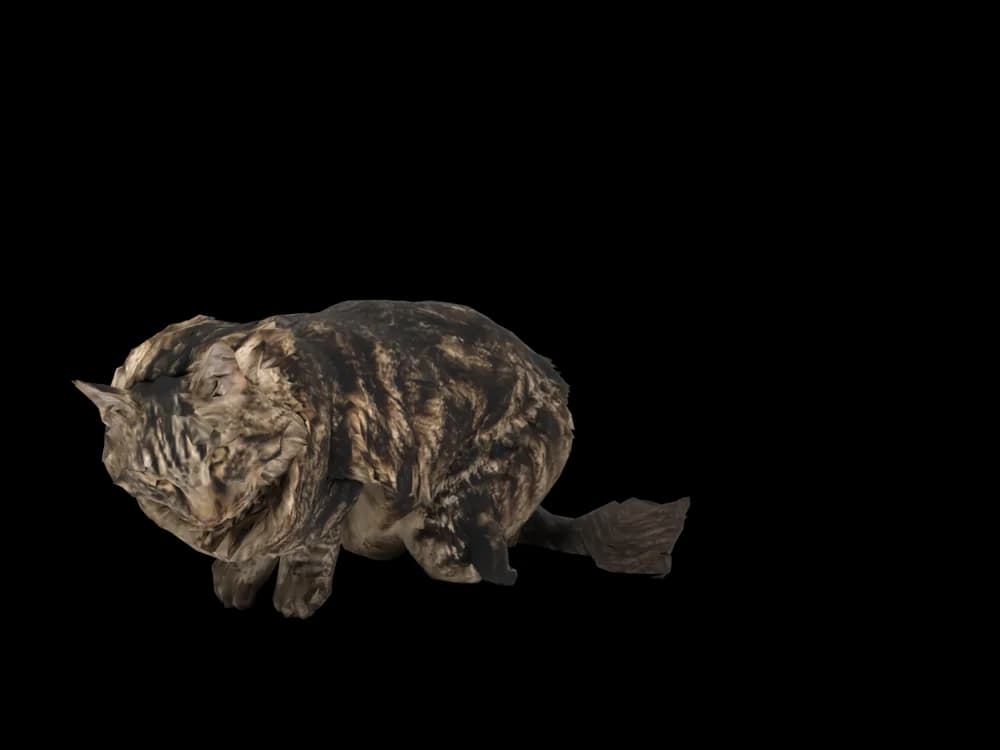
Sleeping

Looking around
In the app: Your pets, then Ready-made pets. Prefer your own cat? Add photos instead, the steps are below.
What makes a Maine Coon look like yours
Maine Coons are big, shaggy cats with a lot going on at the edges: lynx tips on the ears, a ruff around the neck, long tufts between the toes and a huge, bushy tail. Most are brown tabby, but silver, black, red, white and bicolour Coons are common.
The coat is uneven by design, short on the shoulders and long on the belly and britches, which makes their outline unlike any other cat's. Yours is built from your photos, tufts and tabby pattern included.
Made for Maine Coon markings
Lynx tips
Tufts at the ear tips and fur inside the ears. A close face photo against a plain background shows them.
A lion's mane of a ruff
A mane around the neck and chest, often lighter than the back.
Shaggy britches and tail
Long fur on the back legs and belly, and a long, full tail, both caught in a good side photo.
Tabby under the fluff
Long fur softens a Maine Coon's tabby pattern, and it is mapped from your photos all the same.
The best photos of your Maine Coon
Maine Coons are long, so step back for the side photo and make sure the tail fits in the frame. Photograph at their eye level on the floor, in daylight, when the coat is brushed. For the face, get close enough that the ear tufts are sharp; they disappear against a busy background. A photo from above is worth adding for the pattern on the back.
More on which photos work, for any cat or dog: how a custom desktop pet is made.
A sample render
Related breed guides: Ragdoll, Persian Cat and Tabby Cat. For what your pet does all day, see the desktop pet for Mac.
How it works
Step 1
Add photos
In the Mac app, add a few photos of your cat or dog. A side view and a face are enough to start.
Step 2
See them in 3D, free
In under ten minutes you can turn them around and compare them with your photos. Nothing to pay yet.
Step 3
They move in
Keep them for a one-time price and they live on your desktop: walking the Dock, napping on your windows.
Pricing
Free
See your own pet in 3D before you pay anything.
$19 once
Keep them. No subscription. Up to 3 of your Macs, 2 free regenerations, every behaviour we add later.
14-day money back
If it doesn't look like your pet, you get your money back. No questions asked.
Another pet is $9. All pricing
Questions
Does it work for Maine Coon mixes?
Yes, fluffy cats that are part Maine Coon, or just look it, work well, since the model is built from your photos. It does not need a pedigree to follow.
What if my Maine Coon has unusual markings?
Smoke coats, a white bib and boots, a tortoiseshell patch or a tail with a different pattern are taken from your photos. Point the camera at them in good light.
Will the fur look long?
The coat is built from your photos, and the preview is free. If it looks too short, try a regeneration with clearer side photos; you get two at no cost.
My Coon never stays in frame. Any tips?
Photograph while they sit at a window or eat, when they are still for a moment. A side view and a face are enough to start.
Meet them in 3D
Download the Mac app, add a few photos, and see your pet in 3D before you pay anything.
See your pet in 3D free