Cocker Spaniel desktop pet
Your Cocker Spaniel, in 3D, on Your Mac
Long, silky ears, a soft domed head and a coat that feathers at every edge.
Ready-made pet
No photos to hand? Meet our Cocker Spaniel
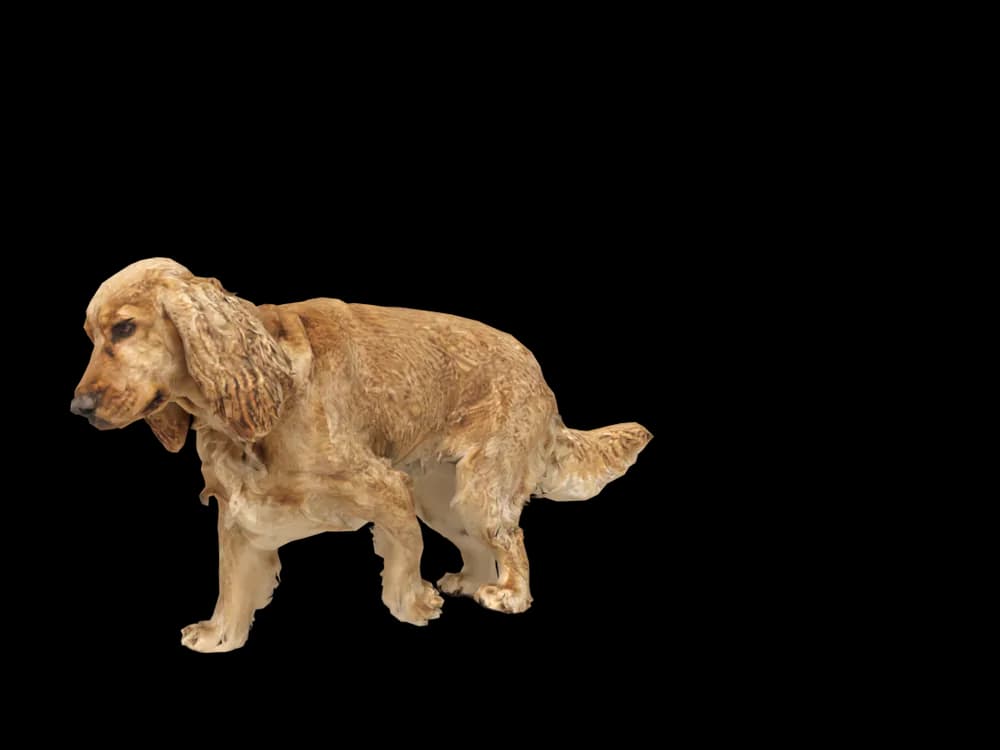
Ours is a golden English Cocker Spaniel with long ears, made by the same pipeline as every customer's pet. Choose it in the Mac app and it is on your desktop in seconds, free to try. Keep it for $19, once, give it any name you like, and it does everything a pet made from photos does.
These stills are rendered from its real 3D model, in the poses it uses on your desktop.
Walking
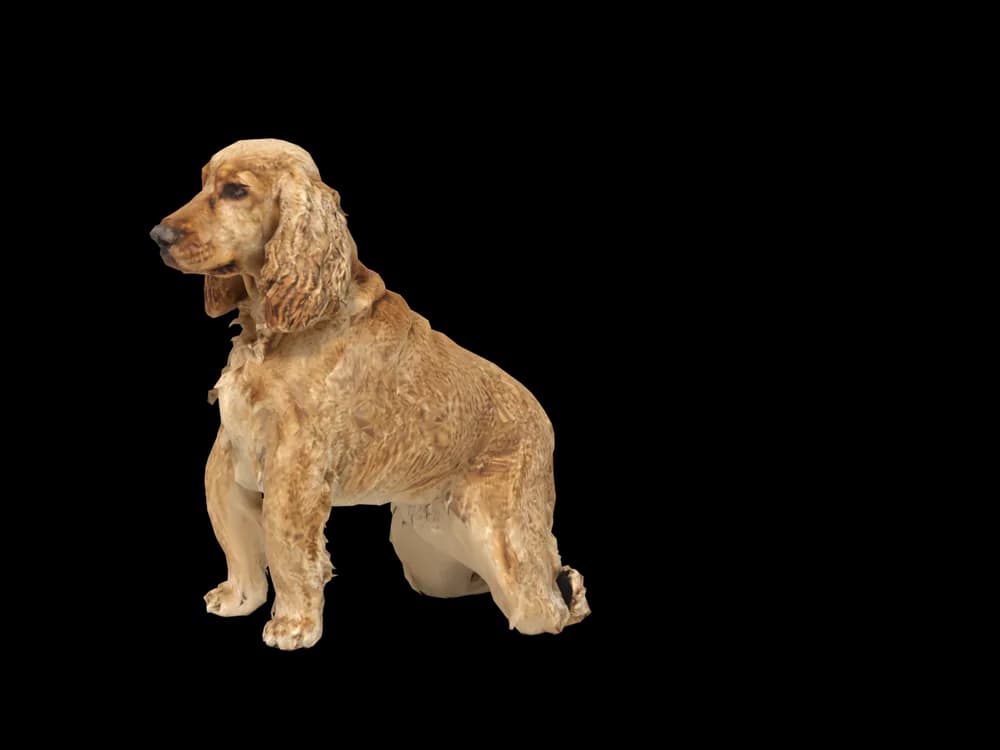
Sitting
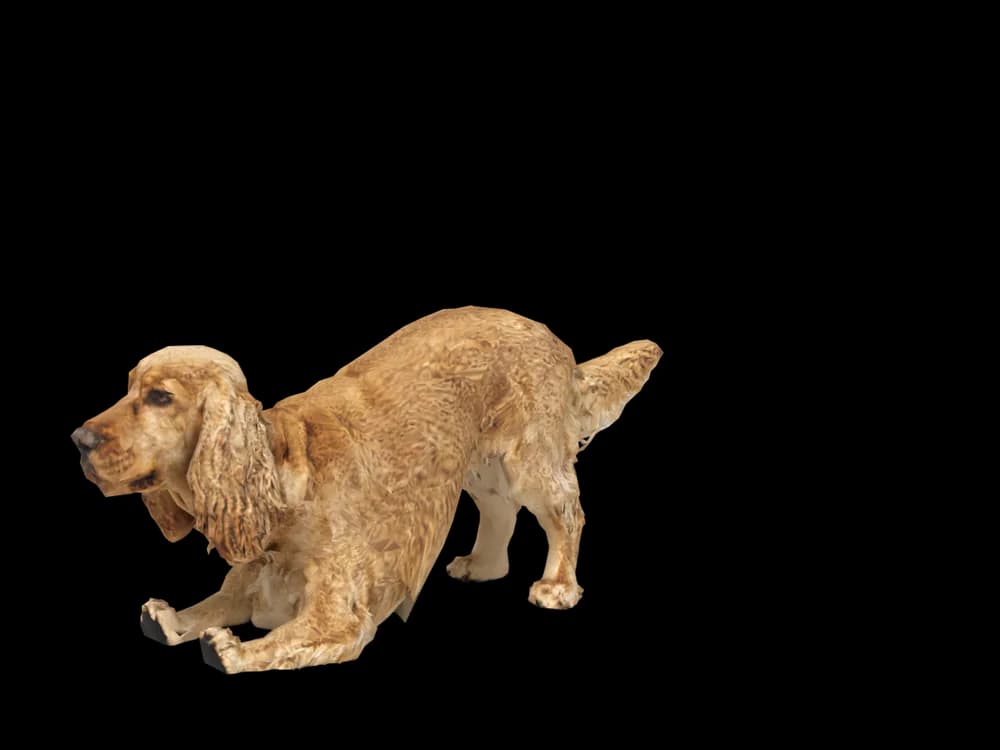
Stretching
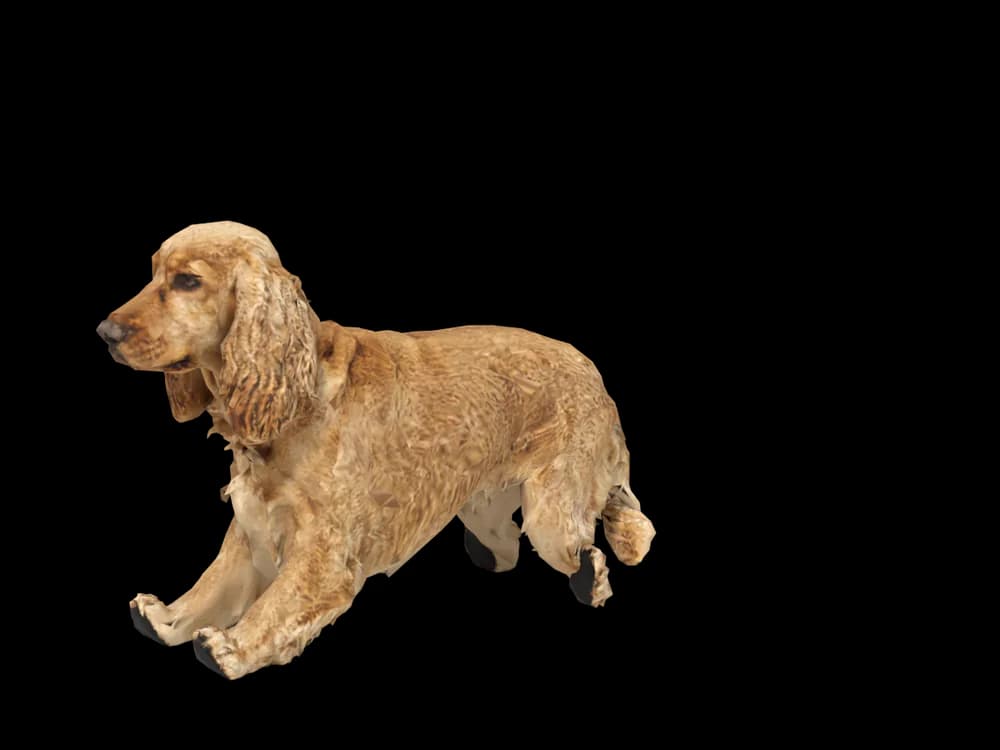
Lying down
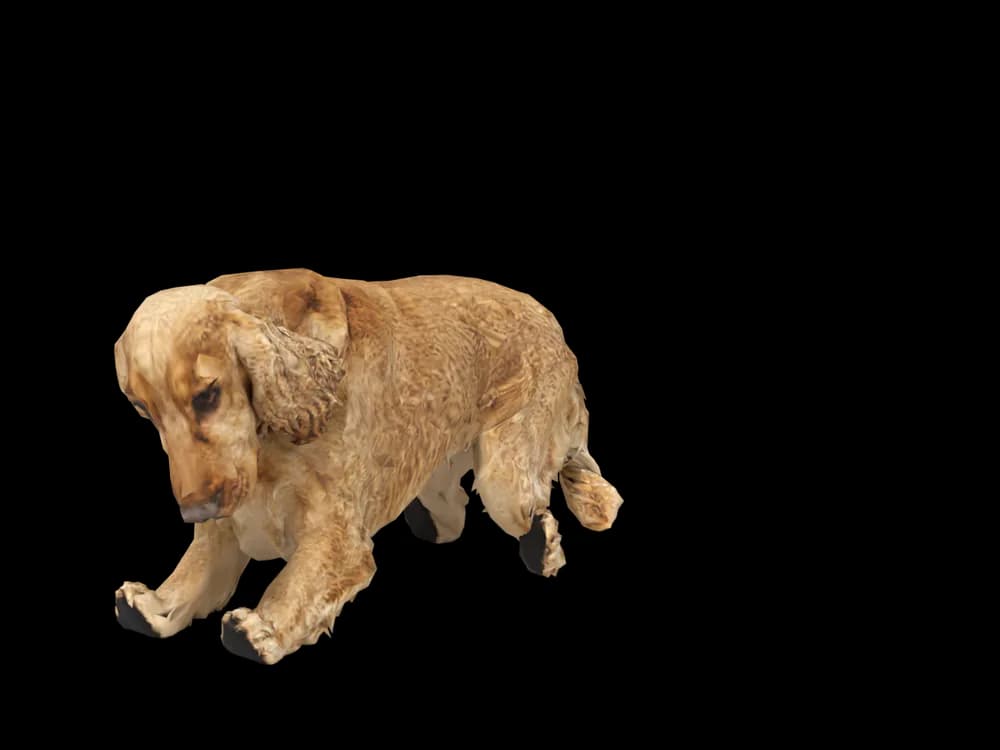
Sleeping
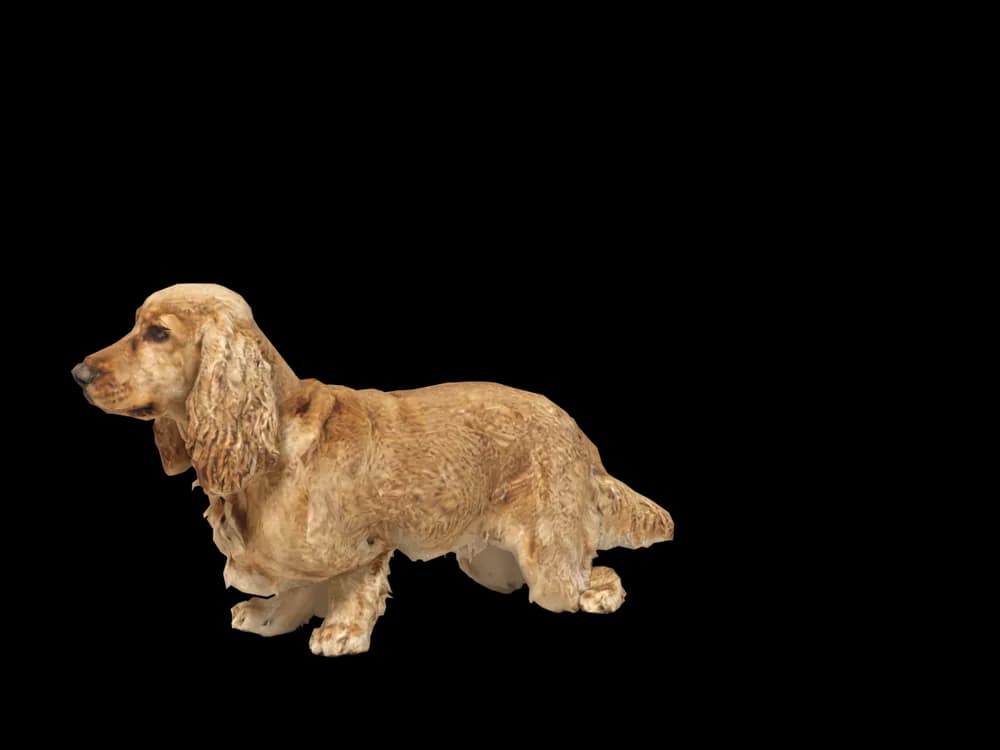
Looking around
In the app: Your pets, then Ready-made pets. Prefer your own dog? Add photos instead, the steps are below.
What makes a Cocker Spaniel look like yours
A Cocker Spaniel is defined by its ears: long, low set and covered in silky hair that falls in waves. Add the rounded head, the soft eyes and the feathering on the legs and belly, and you have the most expressive face in the spaniel family.
English and American Cockers come in golden, red, black, chocolate, parti colours and roans. A pet made from your photos keeps your dog's exact coat and trim. Our ready-made Cocker is a golden English Cocker with long ears, ready the moment you pick it.
Made for Cocker Spaniel markings
The long ears
Low set and heavy with hair. Their length and wave come from your photos, so a show trim and a pet trim look different.
Soft, rounded head
A gentle stop and a domed skull give Cockers their kind expression. A face photo at eye level shows it.
Feathering
Longer hair on the legs, chest and belly. A side photo shows how much your dog has.
Golden, red, black or parti
Solid colours, parti colours and roans are all taken from your pictures.
The busy tail
Often docked or short, sometimes full. Your Cocker keeps the one they have.
The best photos of your Cocker Spaniel
Brush your Cocker before the photos so the ears and feathering fall the usual way. Take the side photo standing, from low down, with the ears hanging free. For the face, get down to their eye level in soft light; dark coats lose detail in shade and gold ones glare in sun. A freshly groomed or a shaggy Cocker are both fine, just choose the look you want to keep.
More on which photos work, for any cat or dog: how a custom desktop pet is made.
More breeds
Related breed guides: Golden Retriever, Cavoodle and Beagle. For what your pet does all day, see the desktop pet for Mac.
How it works
Step 1
Add photos
In the Mac app, add a few photos of your cat or dog. A side view and a face are enough to start.
Step 2
See them in 3D, free
In under ten minutes you can turn them around and compare them with your photos. Nothing to pay yet.
Step 3
They move in
Keep them for a one-time price and they live on your desktop: walking the Dock, napping on your windows.
Pricing
Free
See your own pet in 3D before you pay anything.
$19 once
Keep them. No subscription. Up to 3 of your Macs, 2 free regenerations, every behaviour we add later.
14-day money back
If it doesn't look like your pet, you get your money back. No questions asked.
Another pet is $9. All pricing
Questions
Does it work for Cocker Spaniel mixes?
Cockapoos, Sprockers and spaniel crosses all work, because each pet follows its own photos.
What if my Cocker Spaniel has unusual markings?
Roan ticking, parti patches or a white chest are taken from your photos. Daylight shows them best.
Are English and American Cockers both covered?
Both are, along with working and show types. The head shape and coat length come from your pictures.
Do the long ears move?
They are part of the 3D model and swing with the head as your spaniel looks around, walks and settles down.
Should I photograph my Cocker before or after grooming?
Whichever look you want to keep. A fresh trim gives a neat pet; a shaggy coat gives a shaggy one.
Meet them in 3D
Download the Mac app, add a few photos, and see your pet in 3D before you pay anything.
See your pet in 3D free